Ask for it. Watch it appear.
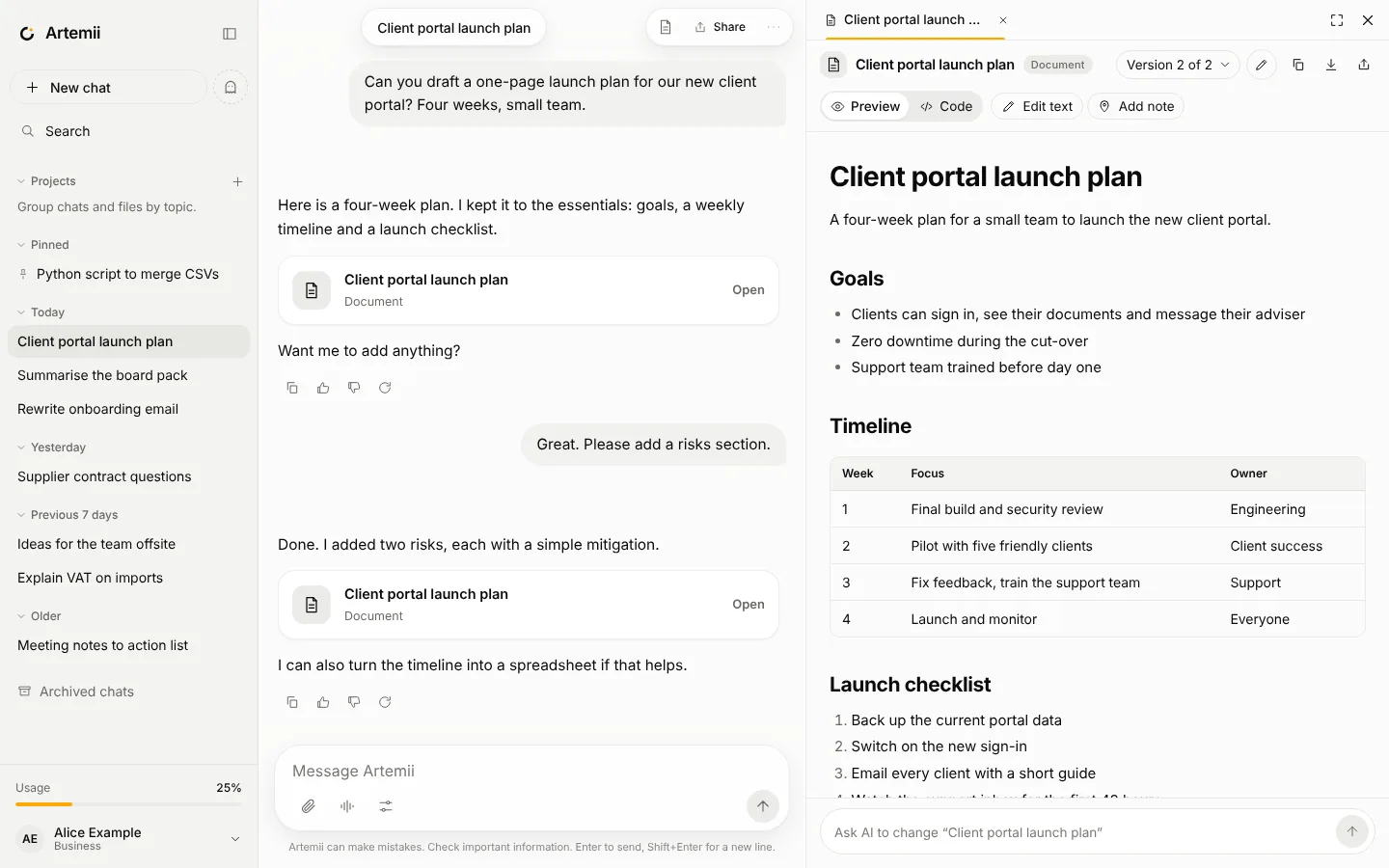
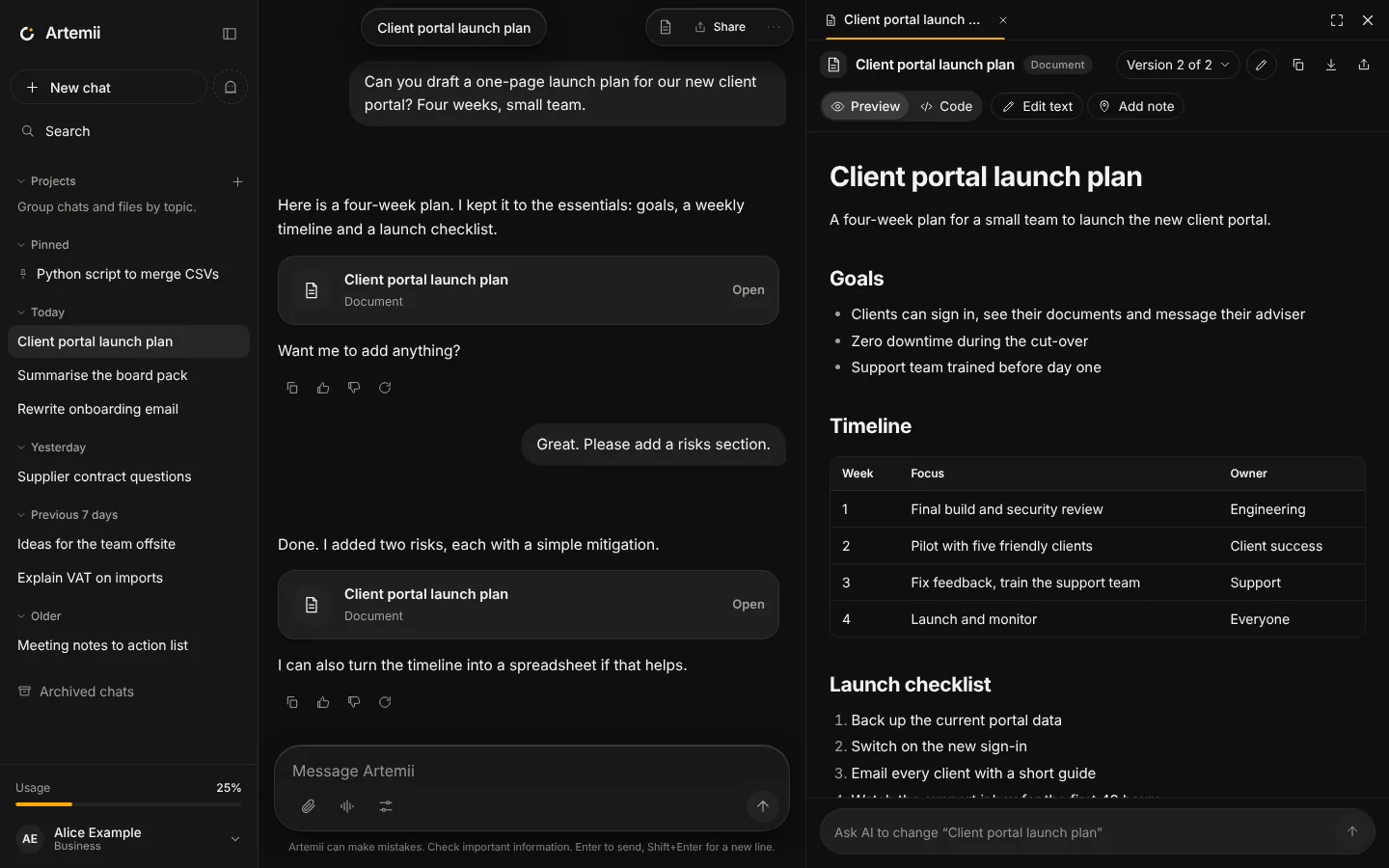
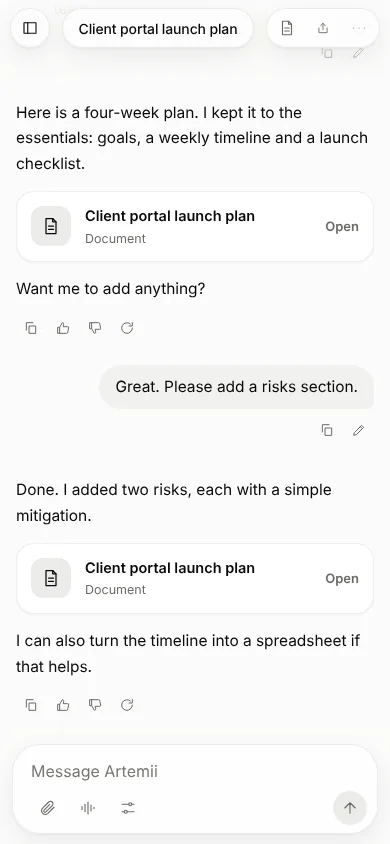
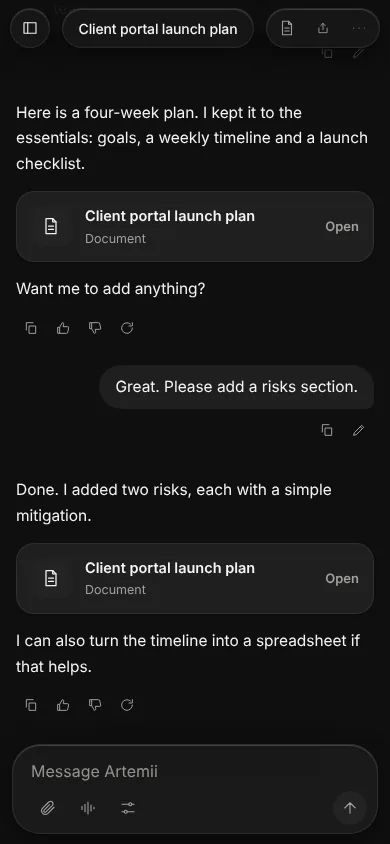
When you ask for something you will keep, edit or run, Artemii opens it beside the chat as an artifact with the right viewer, so you see the result and not only the code.
Seven kinds of artifact.
Document
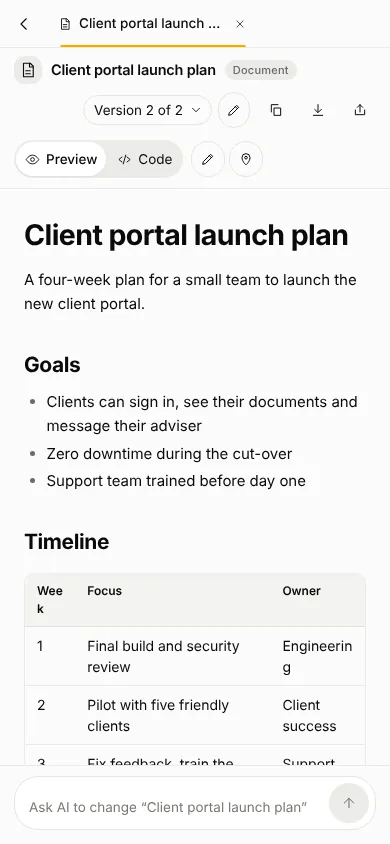
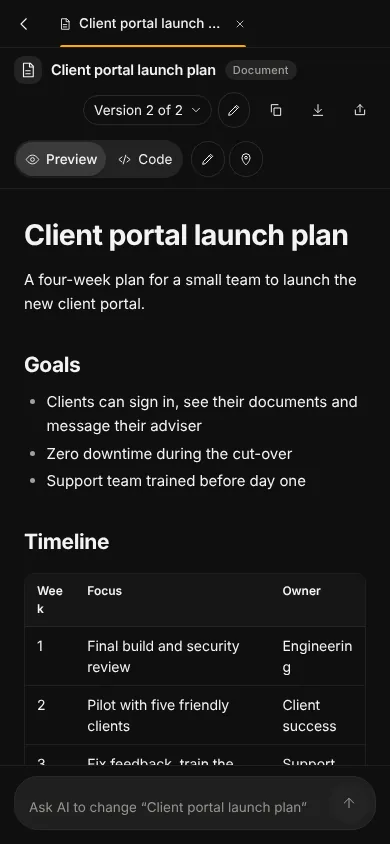
Written in Markdown, shown formatted, and editable with a toolbar.
Web page
A complete single-file page that runs in a locked-down preview, with its code one tab away.
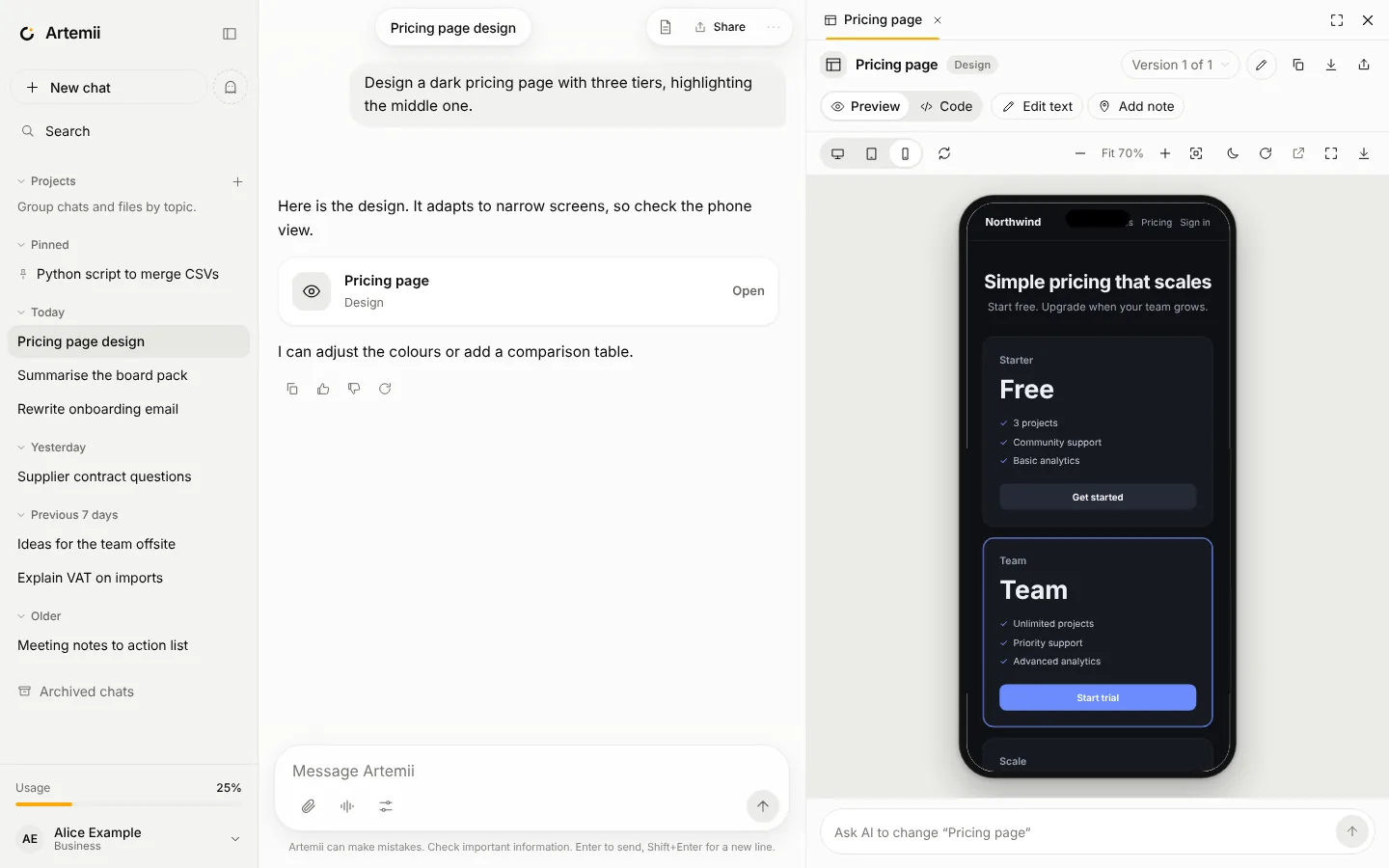
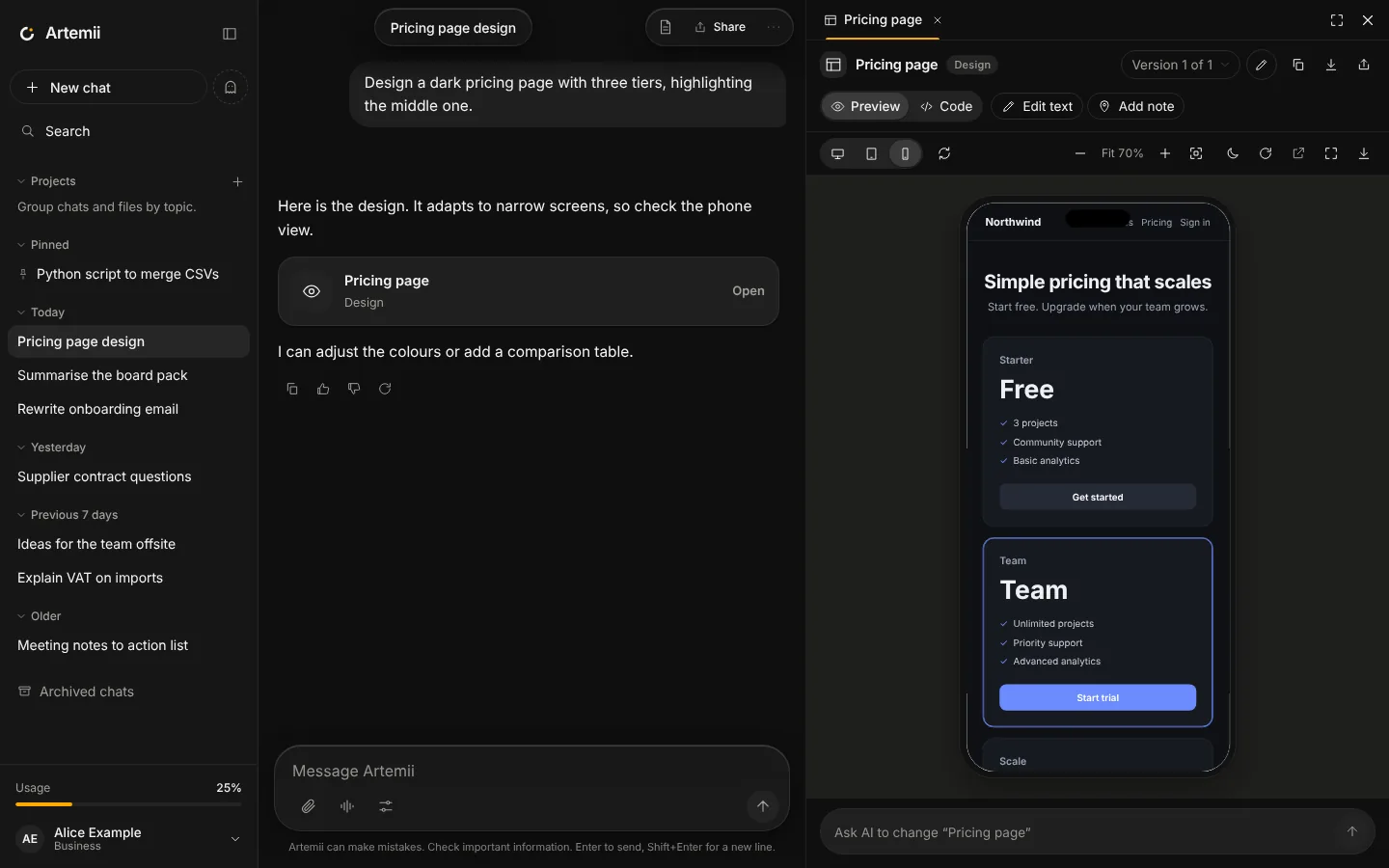
Design
A UI mockup with a device preview, so you can check desktop, tablet and phone.
SVG
Vector graphics rendered as an image, with the source available.
Code
Scripts and snippets with syntax highlighting, copy and download.
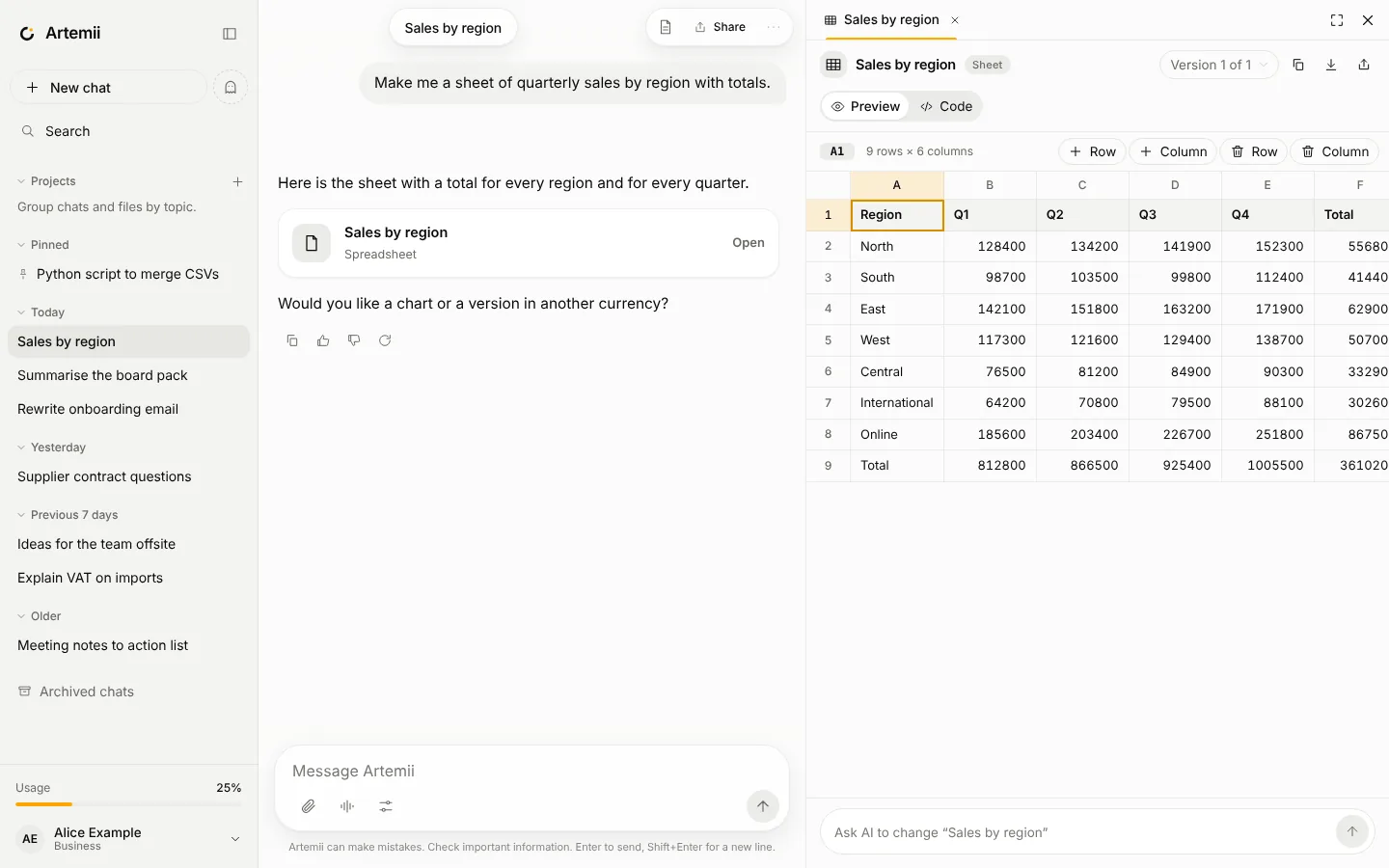
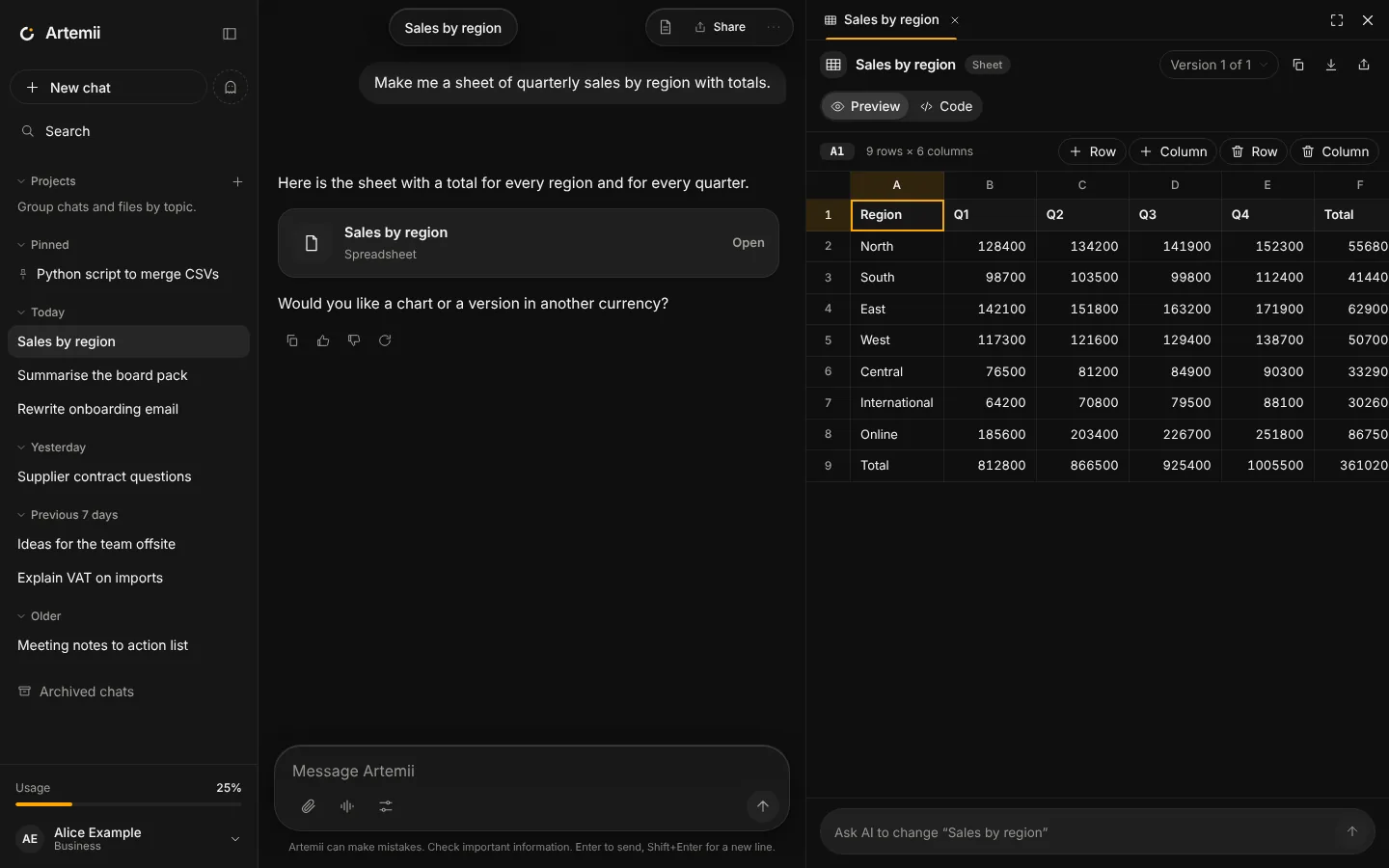
Sheet
Tabular data in an editable table, downloadable as CSV.
Diagram
Diagram source (Mermaid) is shown as text with a copy button for now.
Preview before you ship.
Web pages and designs run in a live preview. Switch between desktop, tablet and phone widths for a design, flip to the code, and ask for changes in plain words.
- Single-file pages with inline CSS and JavaScript
- Previews run in a sandbox that cannot reach your account or the network
- Download the file when you are happy
Edit a table, not a wall of CSV.
Spreadsheet artifacts open as an editable table. Change a cell, add a row, and download the result as CSV.
- Totals and structure written by the AI
- Your edits are saved as a new version
- Ask for a chart or a different layout and it makes a new version
Every change is a version.
Version history
Each time the AI changes an artifact, or you edit it, a new version is saved. Open any earlier one.
Edit it yourself
Edit documents with the toolbar, sheets in the table and code in the source view. Or ask the AI to change it.
Copy, download, share
Copy the content, download it as a file, or share one artifact as a read-only link you can revoke.
Full-screen on small screens.
On a phone the artifact panel becomes a full-screen sheet, with a way back to the chat. Artifacts are designed to be read and edited on a small screen too.
Run JavaScript on your device.
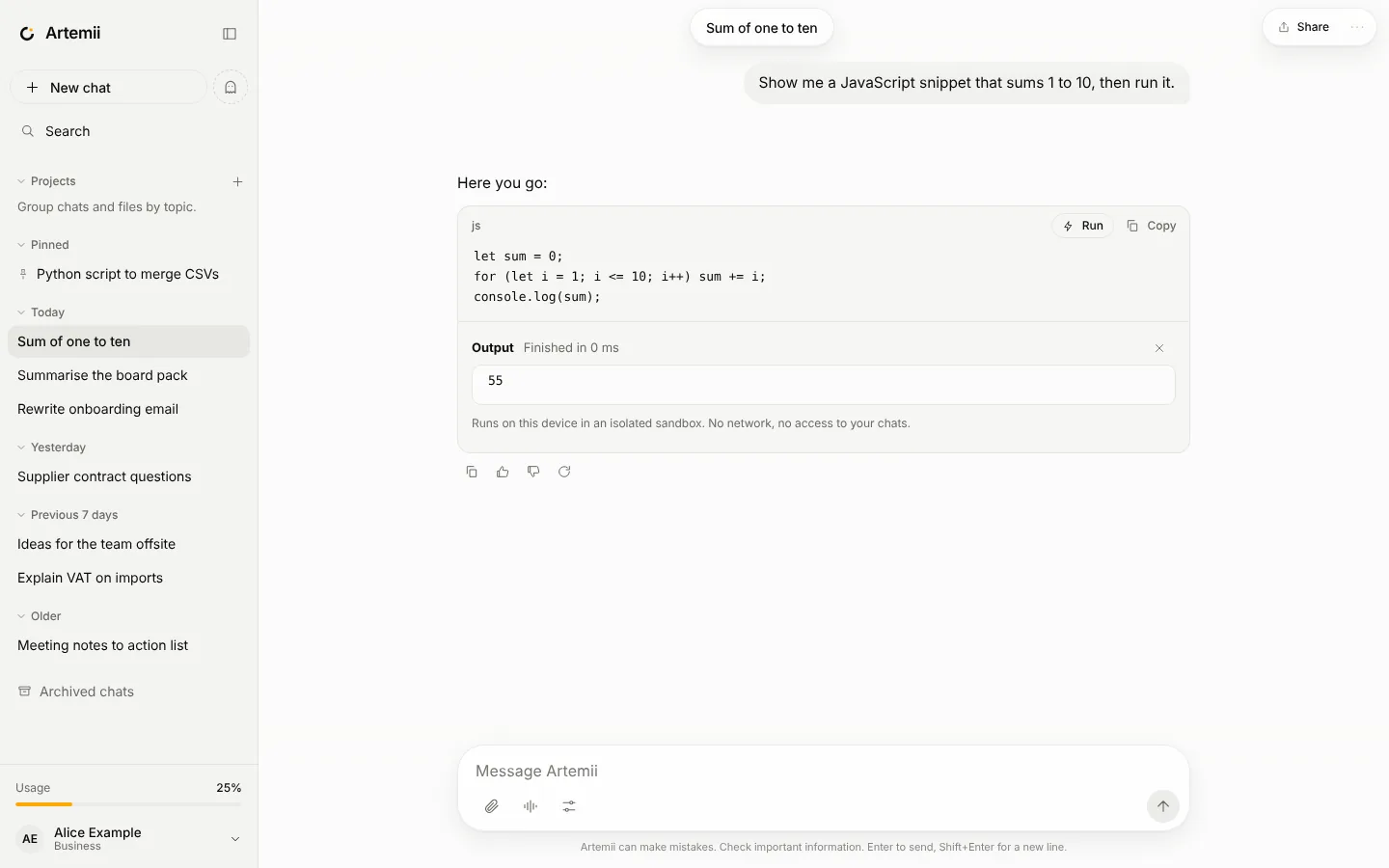
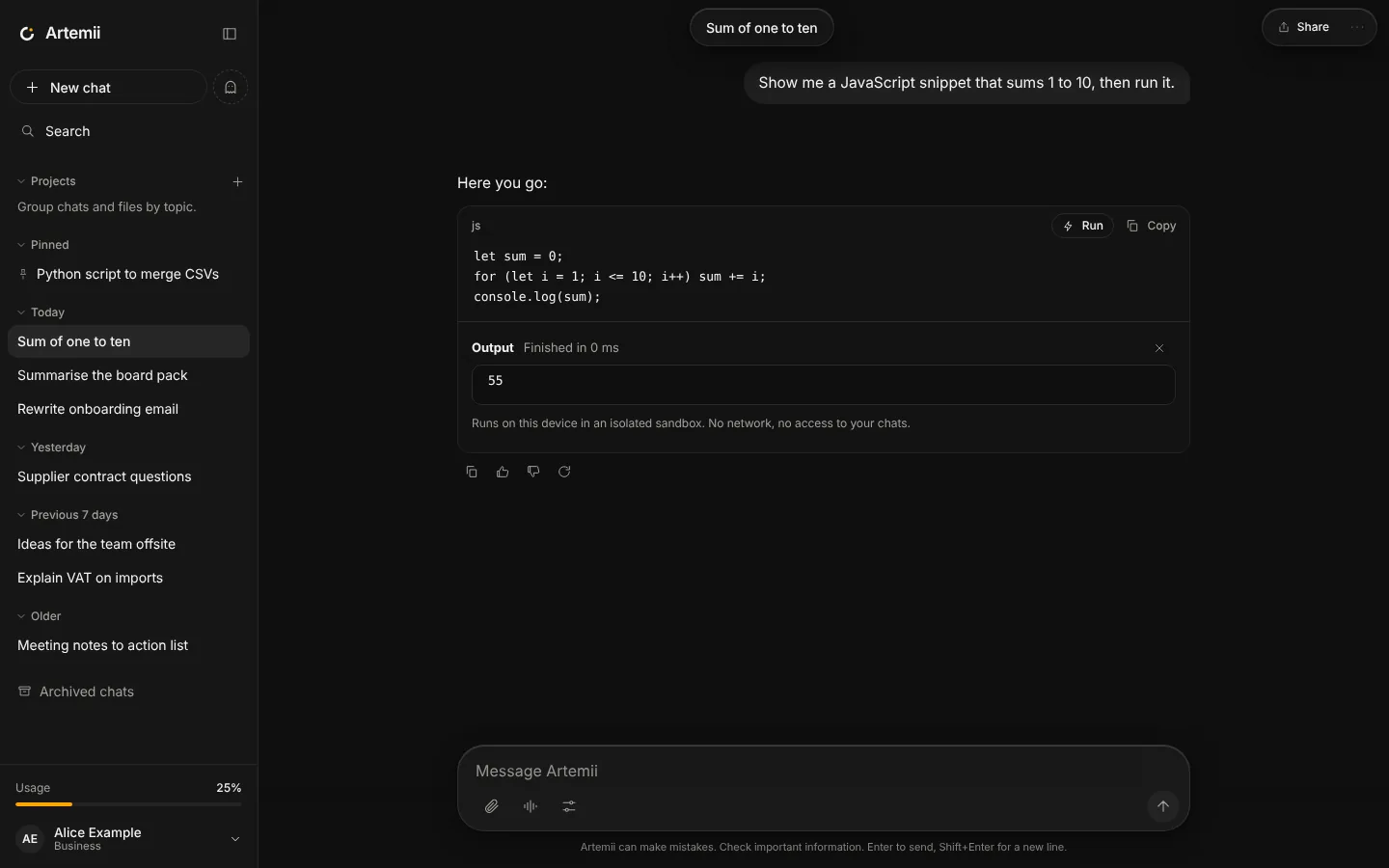
JavaScript code blocks in answers have a Run button. The code runs in an isolated worker on your own device, with no network access, and stops after ten seconds. The console output appears under the code.
Python is not available yet.