Everything you need. Nothing you do not.
A full tour of what Artemii does, and an honest label on anything that is not switched on for everyone yet.
Available on request needs a service to be switched on for your account. Coming soon is not built yet.
A chat you can build in.
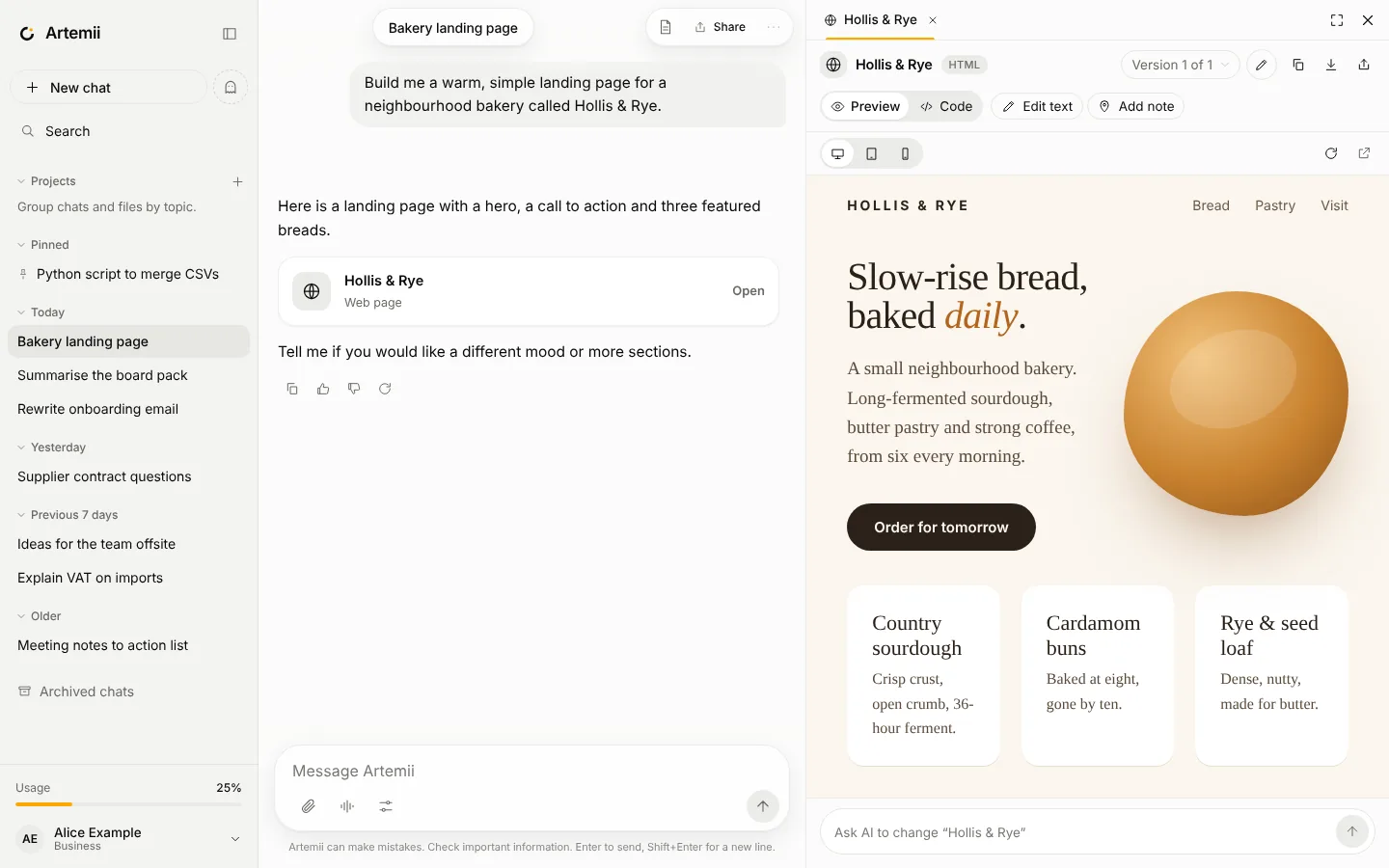
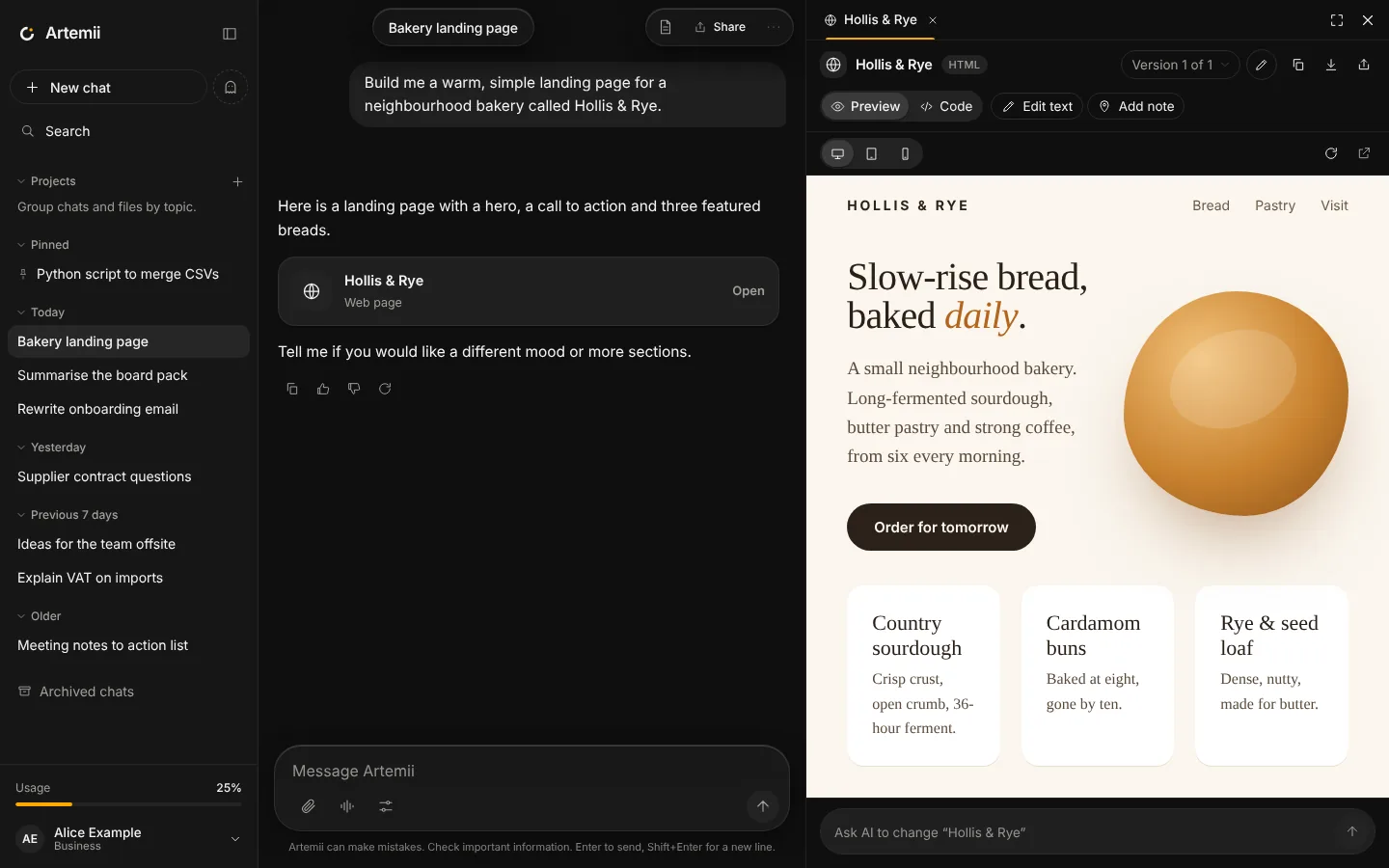
Streaming answers you can stop, edit and regenerate. Pin, archive and search your chats, and export a chat as Markdown. Anything you will keep opens beside the chat as an artifact.
- Documents, web pages, designs, SVG, code, spreadsheets and diagrams
- Version history for every change, with copy, download and sharing
- Edit it yourself, or ask the AI to change it
Brief it once.
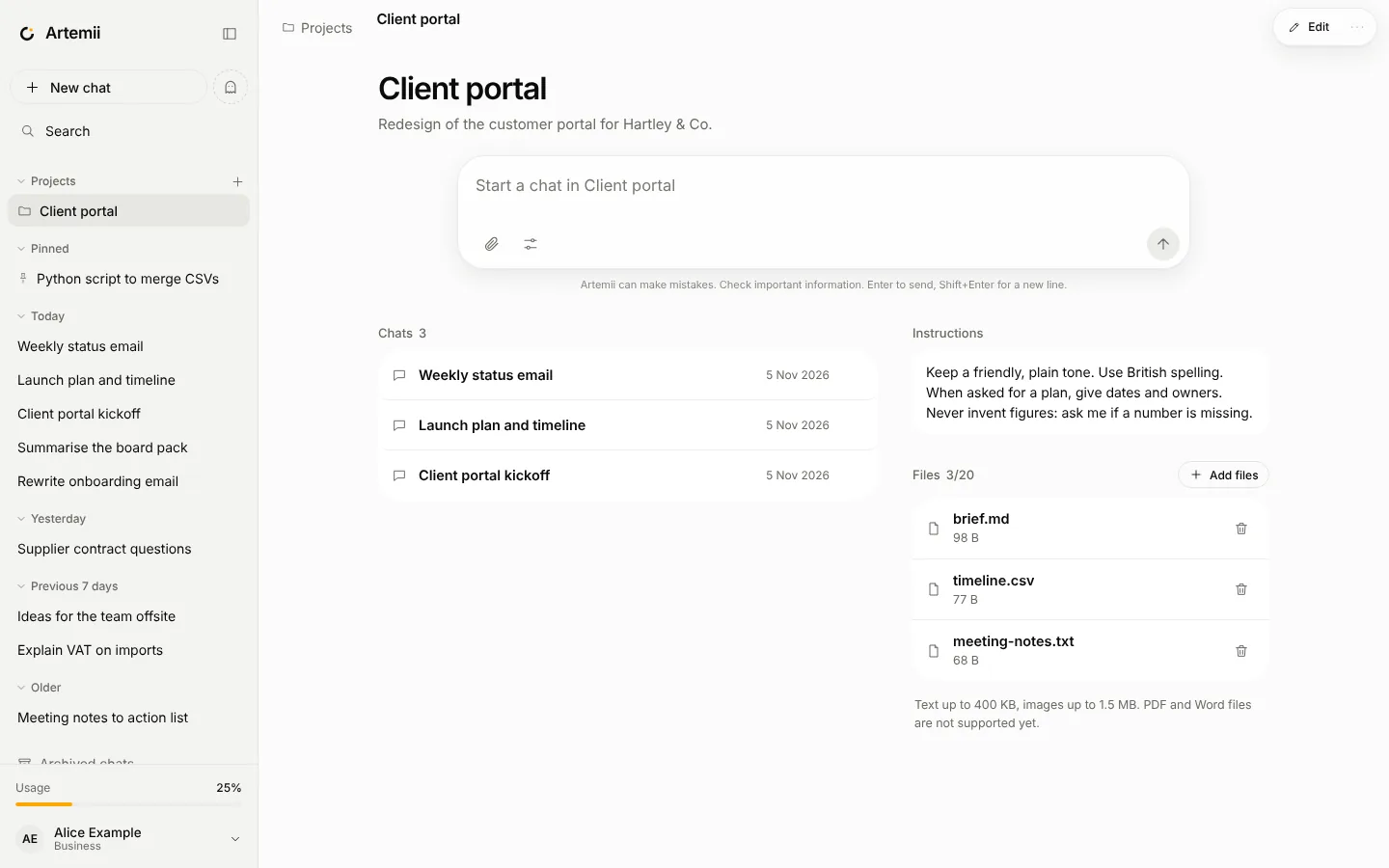
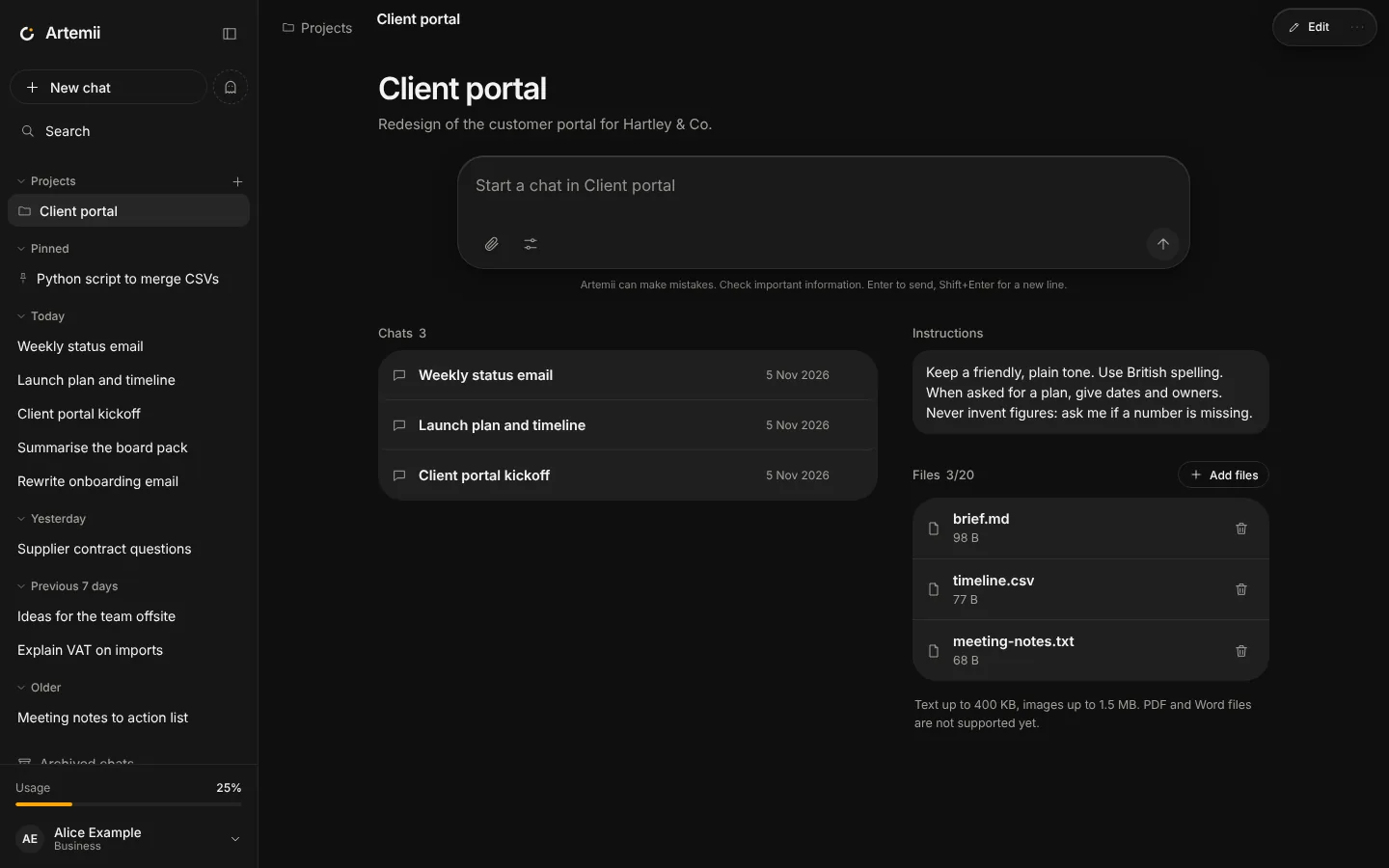
A project keeps chats together with files and standing instructions. The AI reads them in every chat of the project, so you stop repeating yourself.
- Text, code and data files are supported
- PDF and Word files are not supported yet
- Incognito chats cannot be put in a project
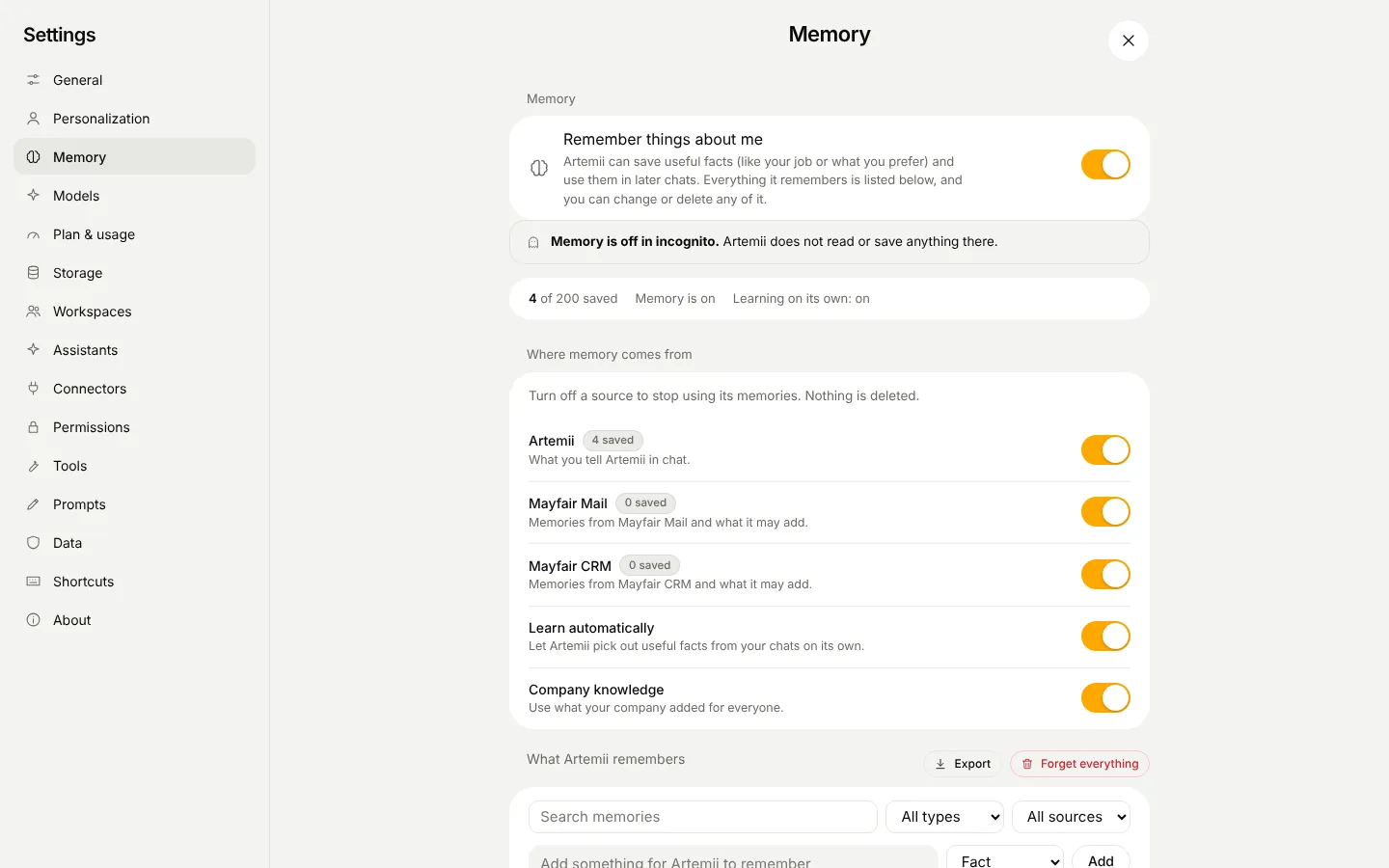
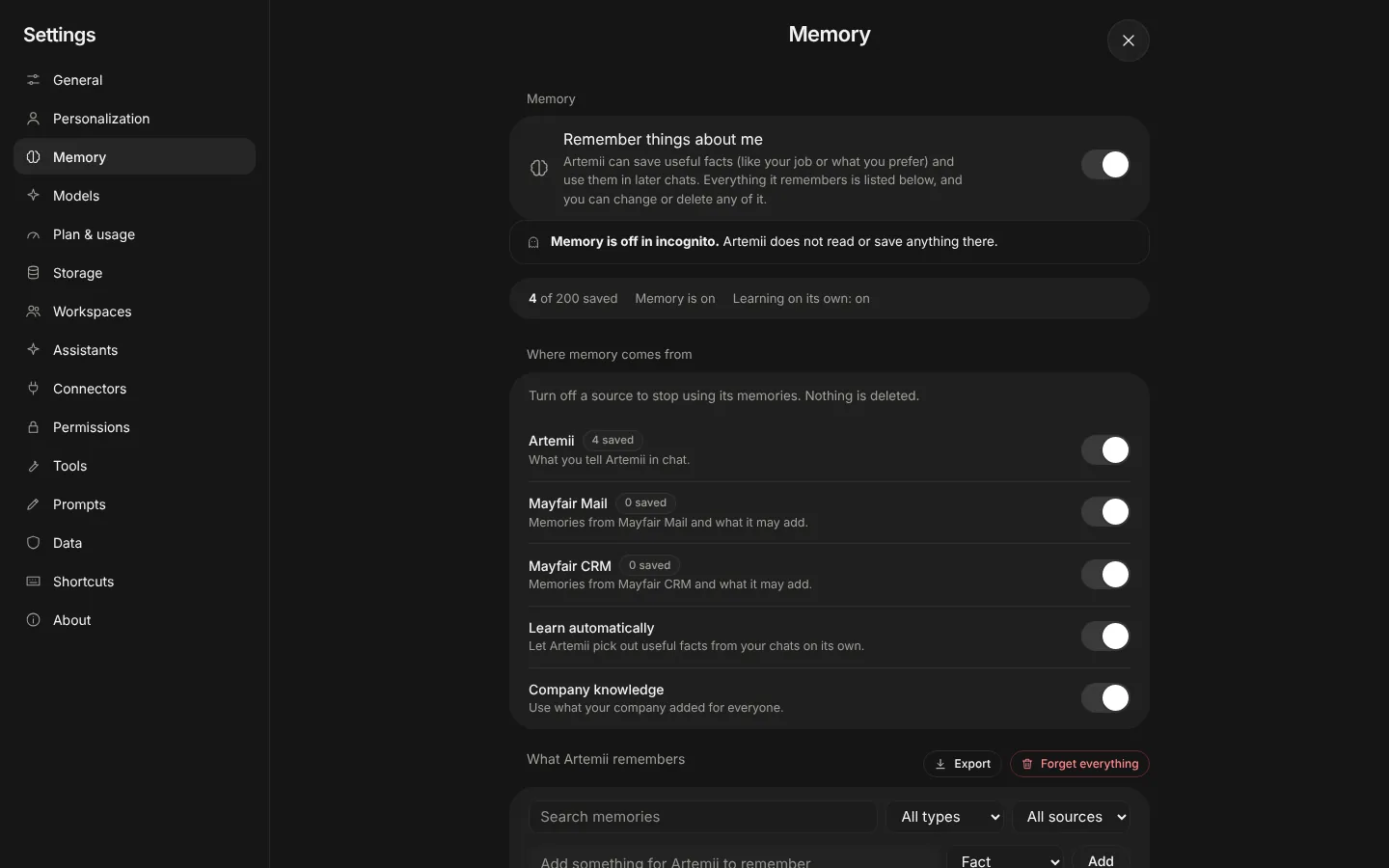
One memory, shared and in your hands.
Artemii can remember facts you ask it to, and learn useful ones from longer chats. Your Mayfair apps share the same memory, so something said in one place helps in another.
- See, edit, delete and export everything it remembers
- A master switch, a switch for automatic learning, and a switch for each app
- A filter refuses to store card numbers, passwords, health details and other sensitive data
- Incognito chats never read or write memory
Answers that show their sources.
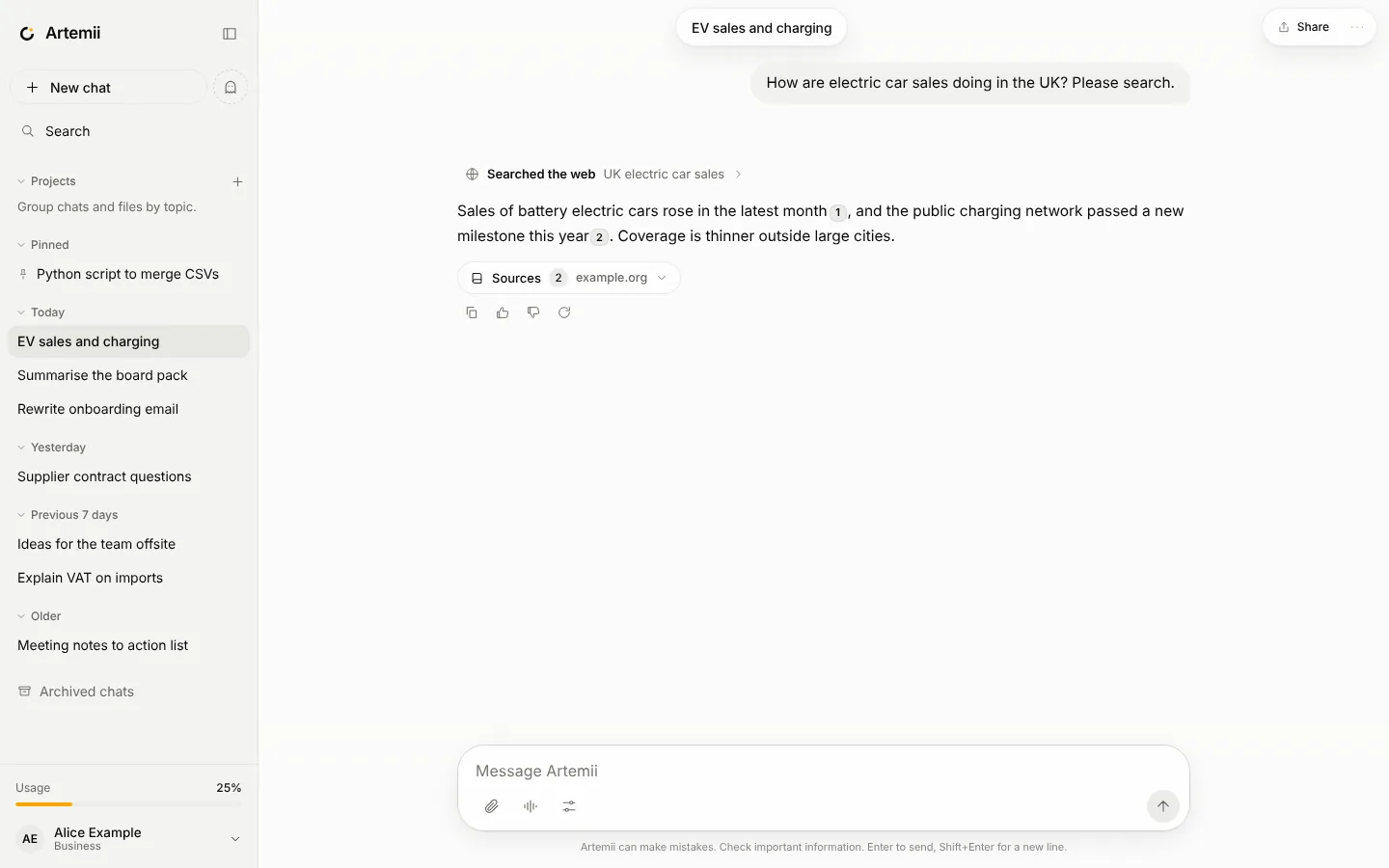
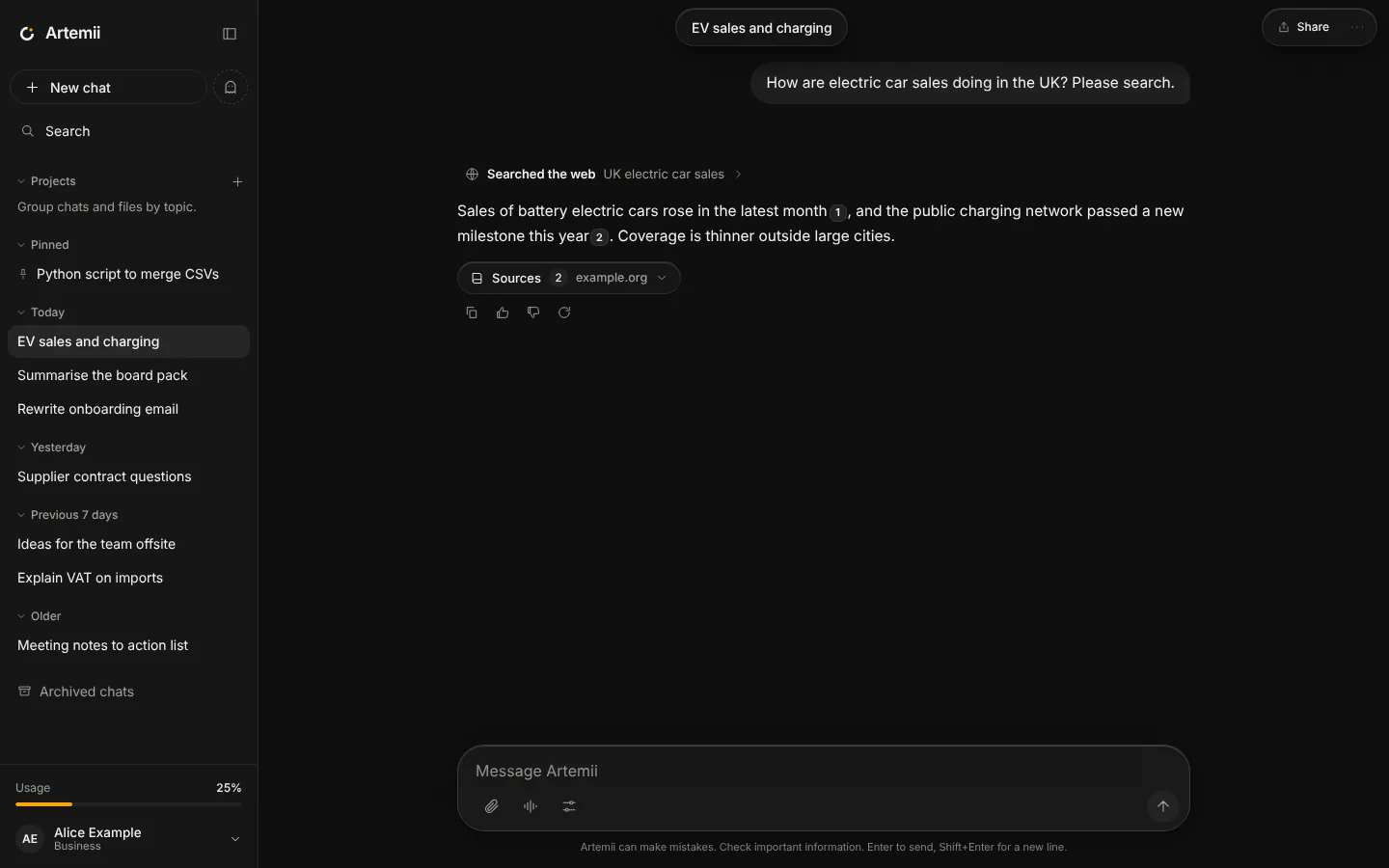
With web search on, the AI can search the web, read a page and look up UK companies. The answer carries numbered citations that open a list of the pages it used. Text from the web is treated as data to read, never as instructions to follow.
- Orion searches by default; the other models search when you switch it on
- Switch web tools off in Settings at any time
- Needs a search provider connected to your account, so it is available on request
A cited report, not just an answer.
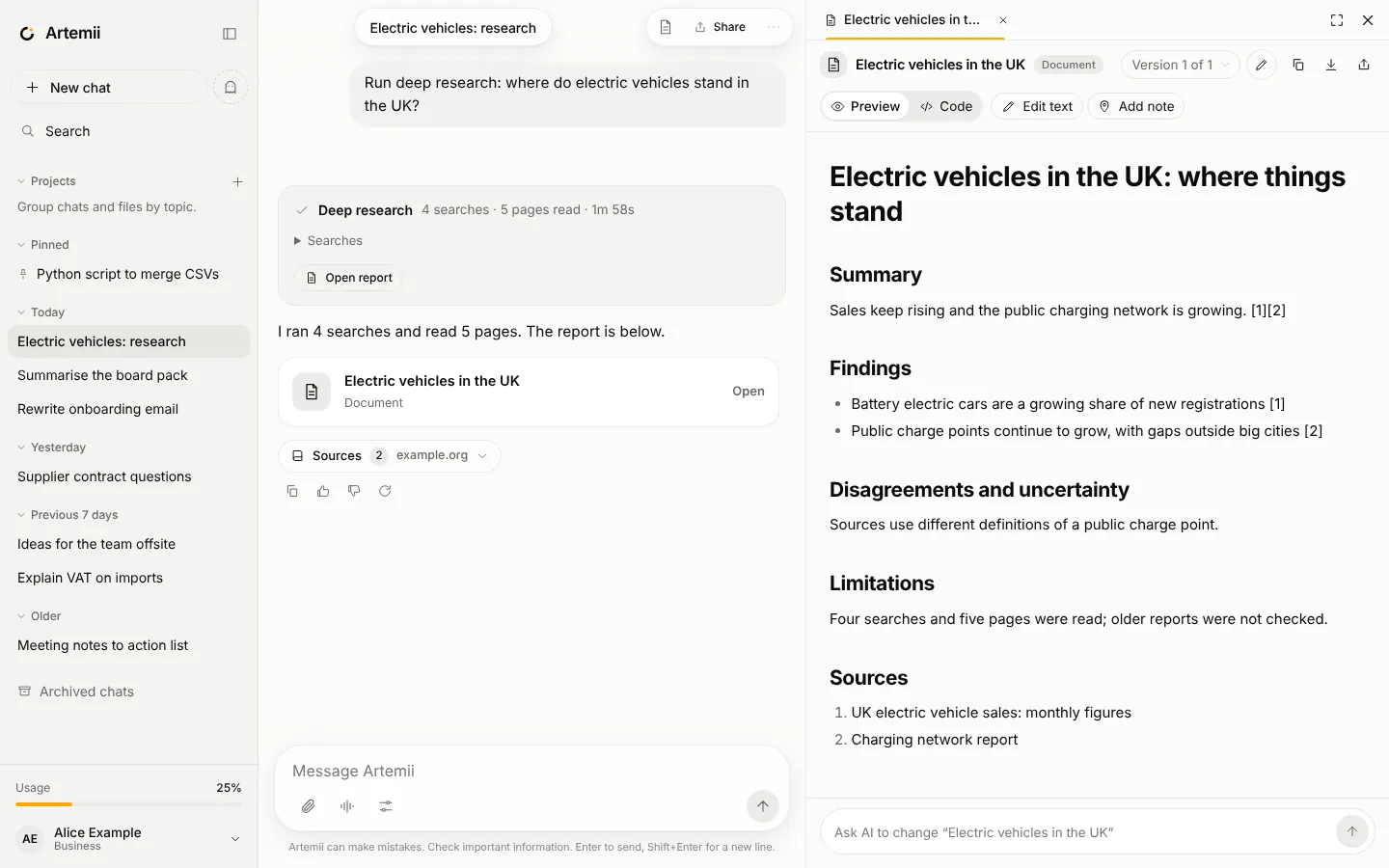
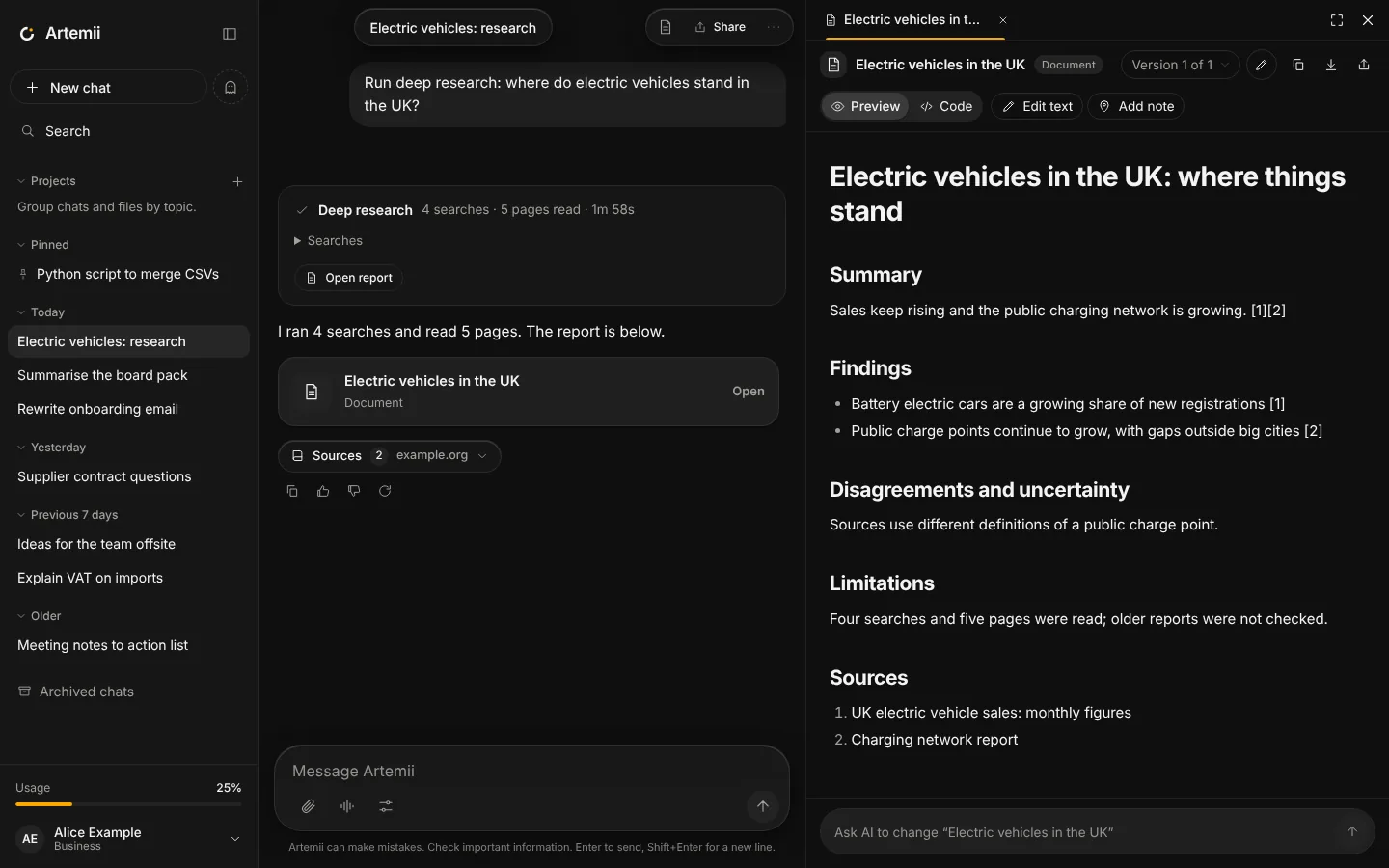
Ask for a deep research run and the AI plans its questions, searches, reads pages, checks what is missing and writes a report as a document: Summary, Findings, Disagreements and uncertainty, Limitations and Sources.
- You can watch the searches and pages read as it goes
- It stops at its time and call limits, and the report says so if one was hit
- Uses more of your allowance than a normal answer, with a daily limit set by your plan
Ask your own files.
The AI finds the relevant passages in the text files in your chat, your project and your other files, and cites them like web sources.
- Works on text, code and data files
- Meaning-based search where available, keyword search otherwise
- Files from incognito chats are never searched outside that chat
Describe it. Get a picture.
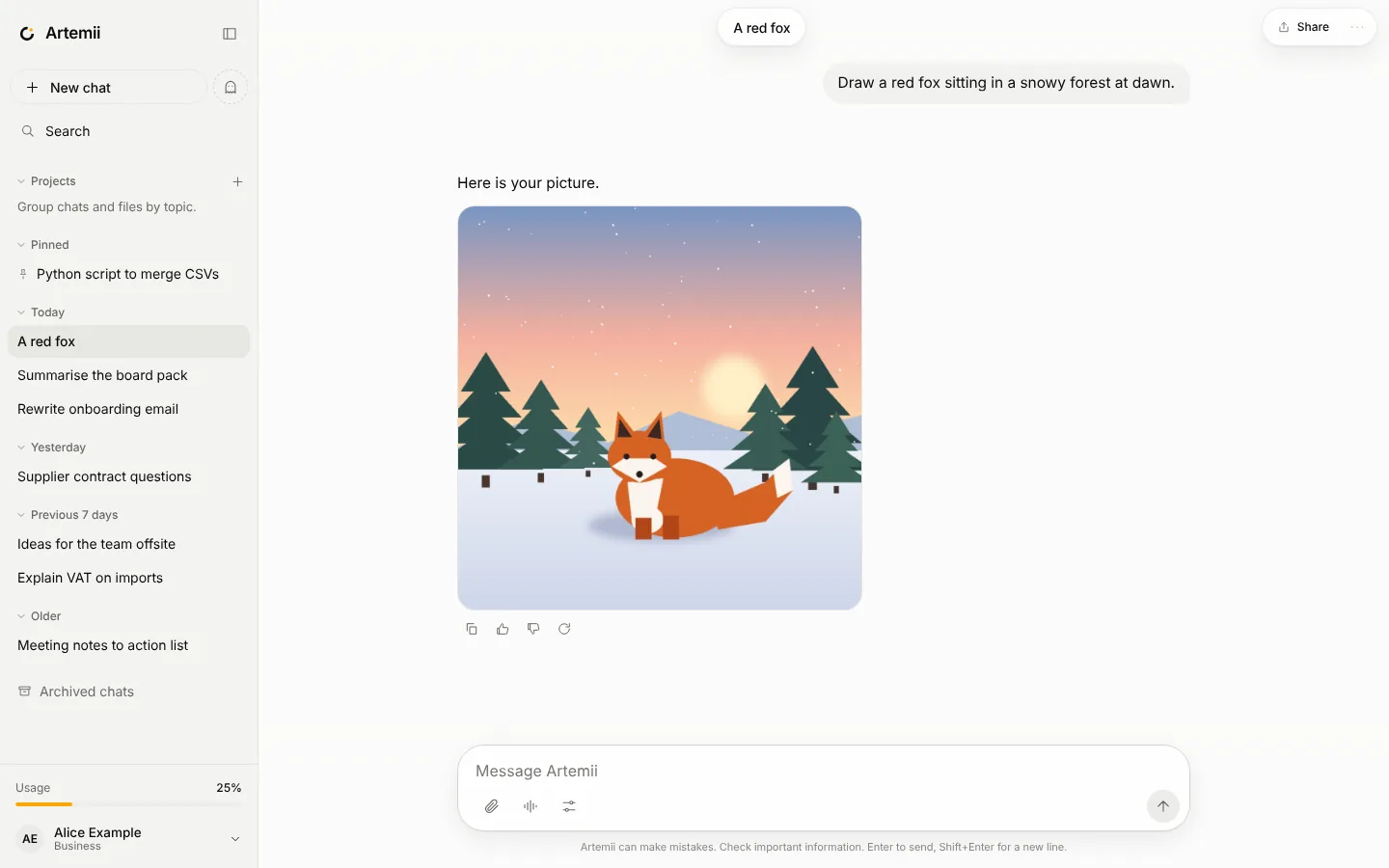
Ask for a picture in plain words. Choose a shape (square, landscape, portrait, wide or tall) and ask for one or two. Pictures are kept privately for a limited time and you can delete them at any time.
- The first picture after a quiet period can take a few minutes while the image machine starts. Later ones take seconds
- Each picture uses a fixed part of your allowance, and there is a daily picture limit
- Some requests are refused and nothing is charged for them
- Needs the image machine switched on for your account, so it is available on request
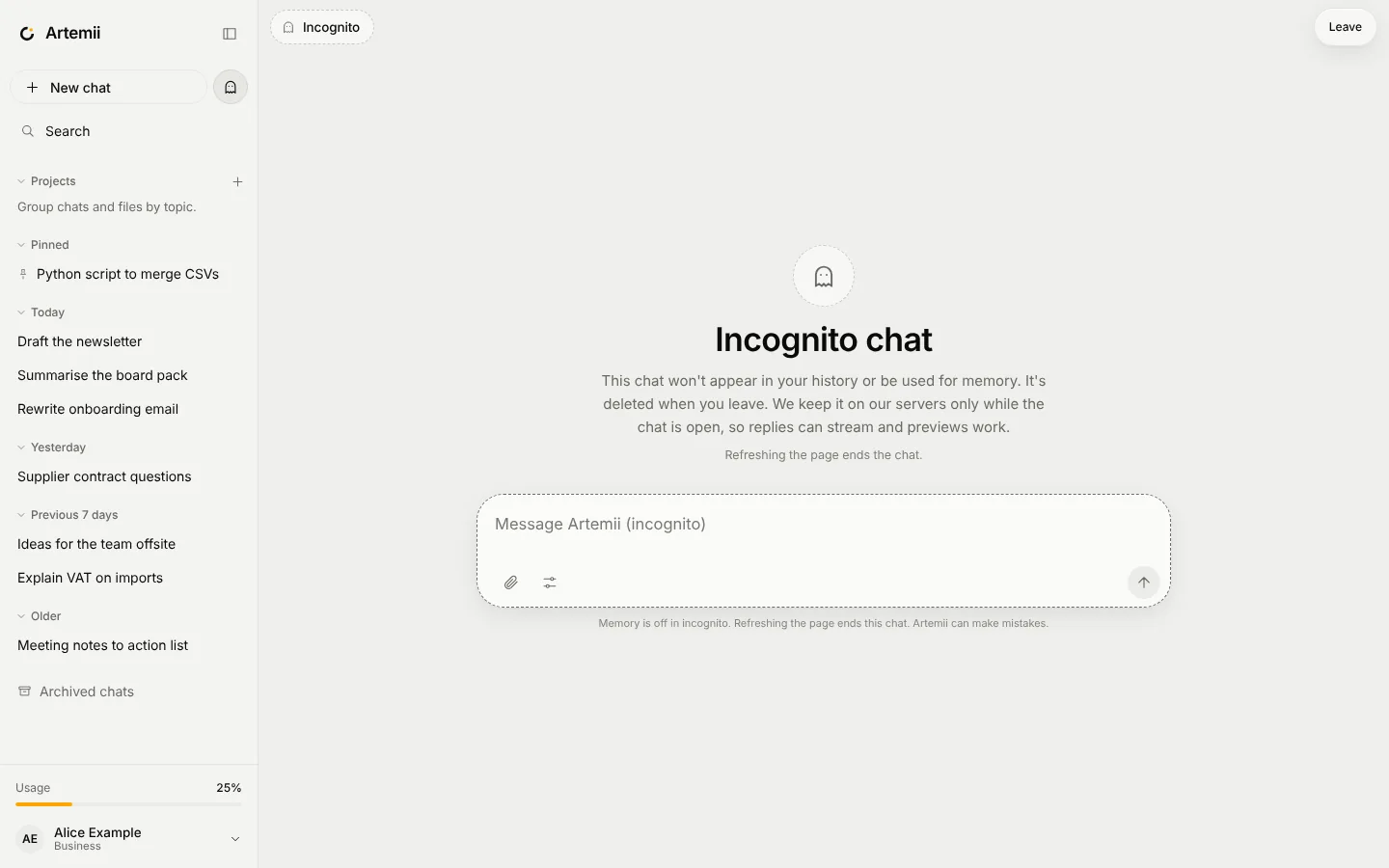
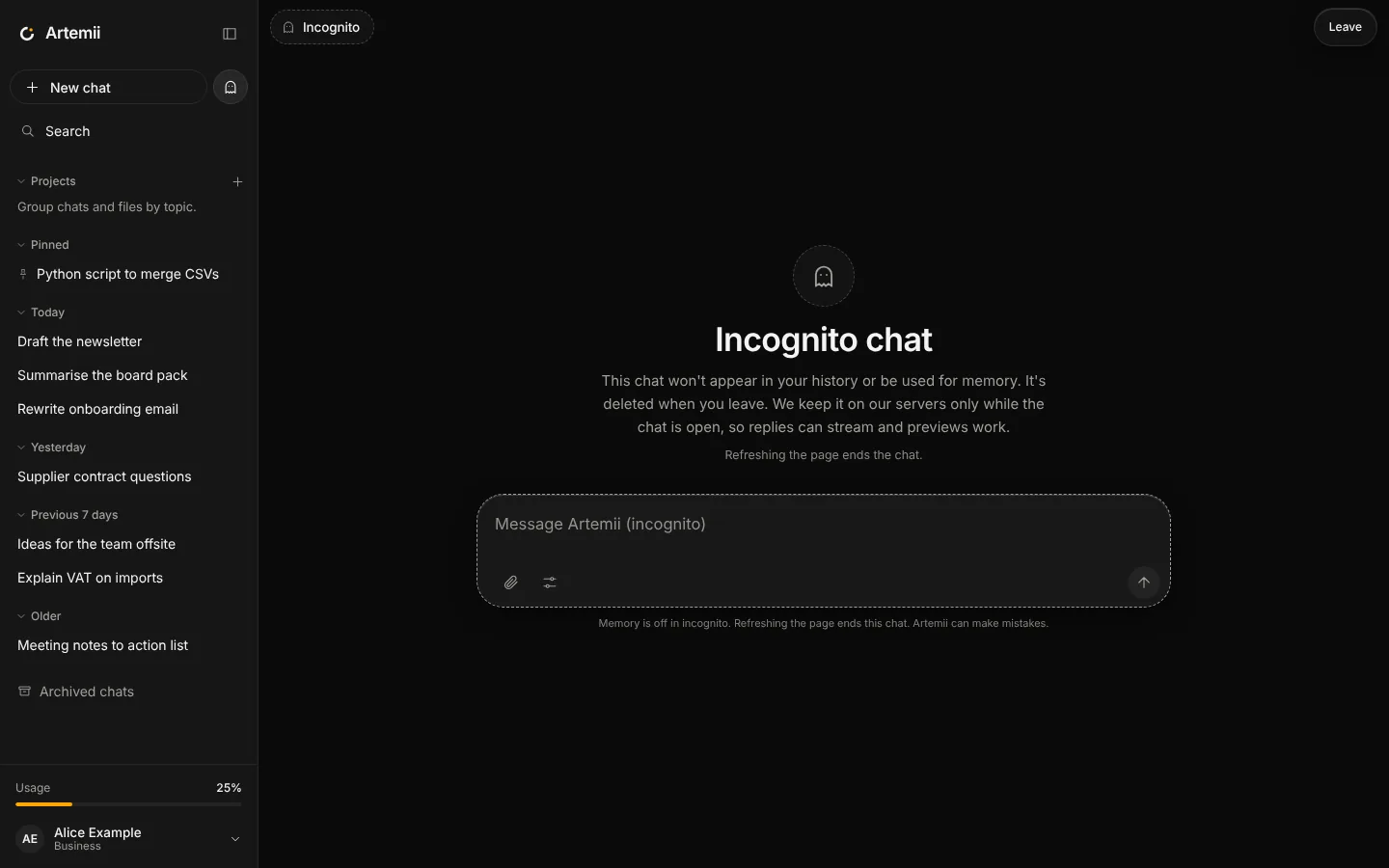
A chat that is not kept.
Incognito chats are not listed in your history or search, do not read or write memory, leave no activity entries and do not use connected services unless you opt in.
- Deleted when you delete the chat, and any left over are deleted within 24 hours
- Cannot be shared or put in a project
- Stored on the server only for as long as the chat lasts, because streaming and previews need it
Just talk to it.
Start a voice call from the chat and have a spoken conversation. What you say and what it answers also appear in the chat, so nothing is lost. Interrupt it any time by speaking or tapping.
- Uses your browser's own speech recognition and speech output, so it depends on the browser you use and where you are
- Ends itself after a quiet spell, or with the End button or Esc


It can act, with your say-so.
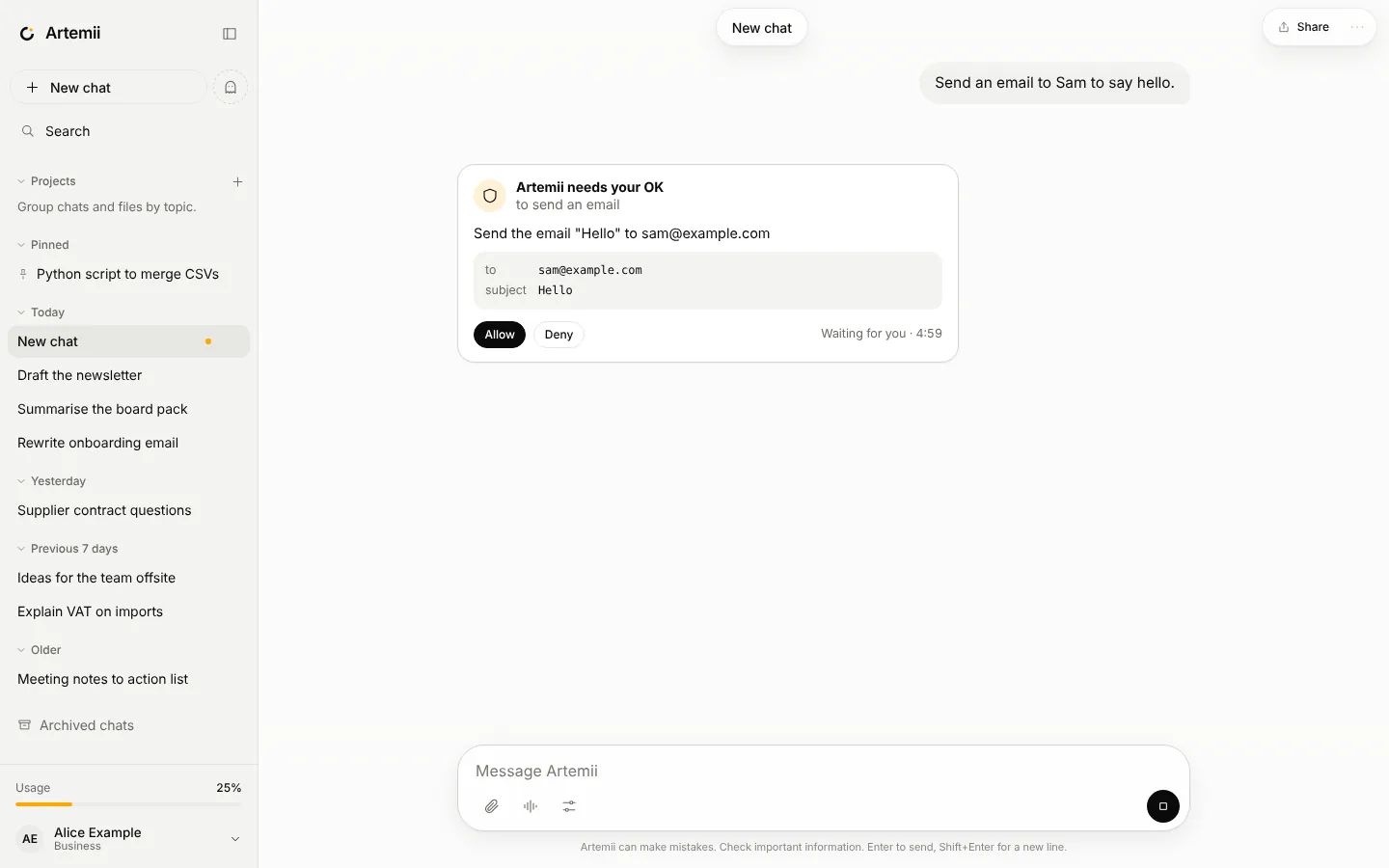
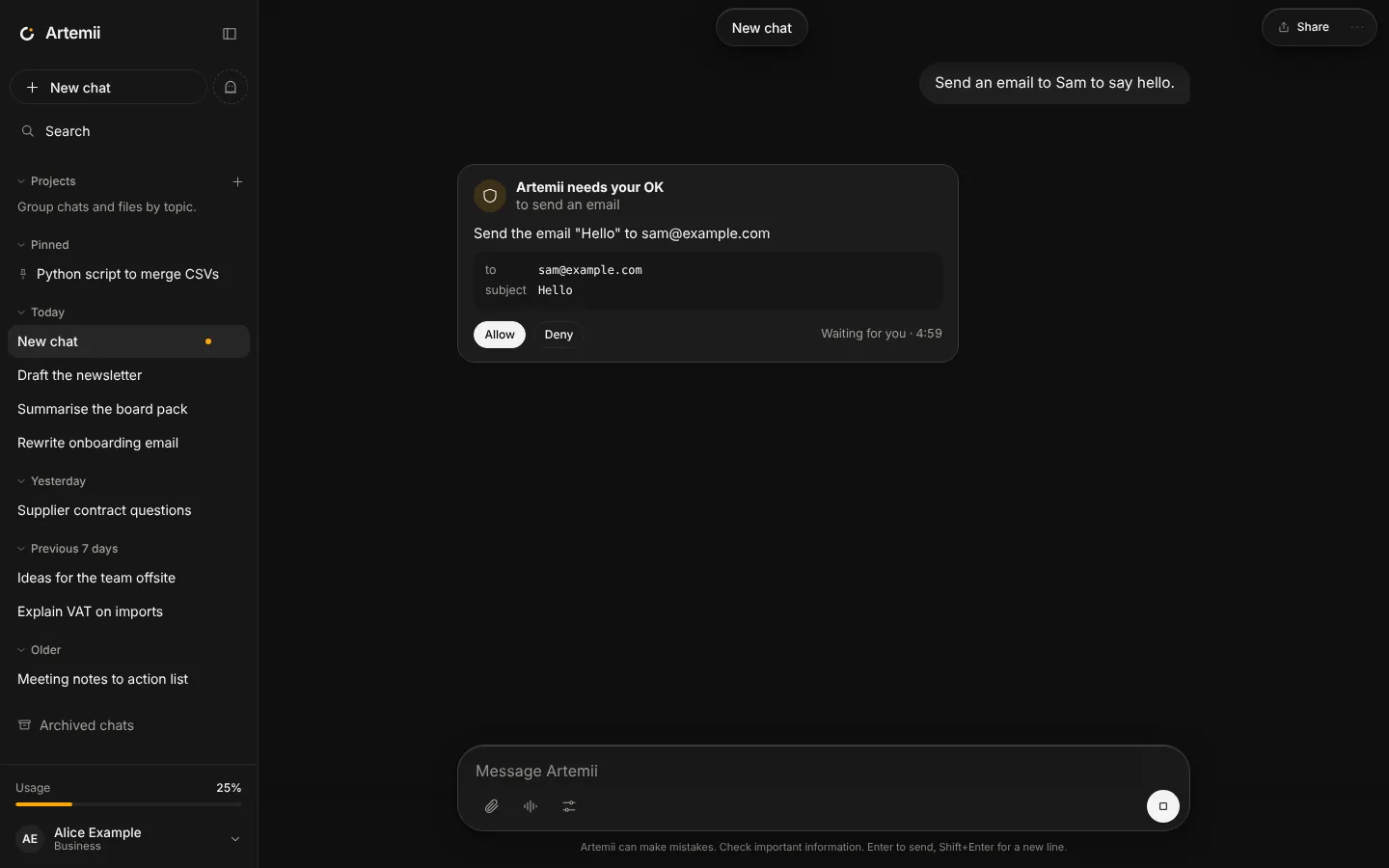
Connect your own services, such as GitHub or any MCP server, and use the tools Mayfair apps publish. When the AI needs a service you have not connected it asks you to connect it.
- Tools that only read run straight away; tools that change something ask first
- Text a tool returns is treated as untrusted, so what follows always asks first
- Connectors are available on request and none has been verified against its live service yet
Decide what each service may do.
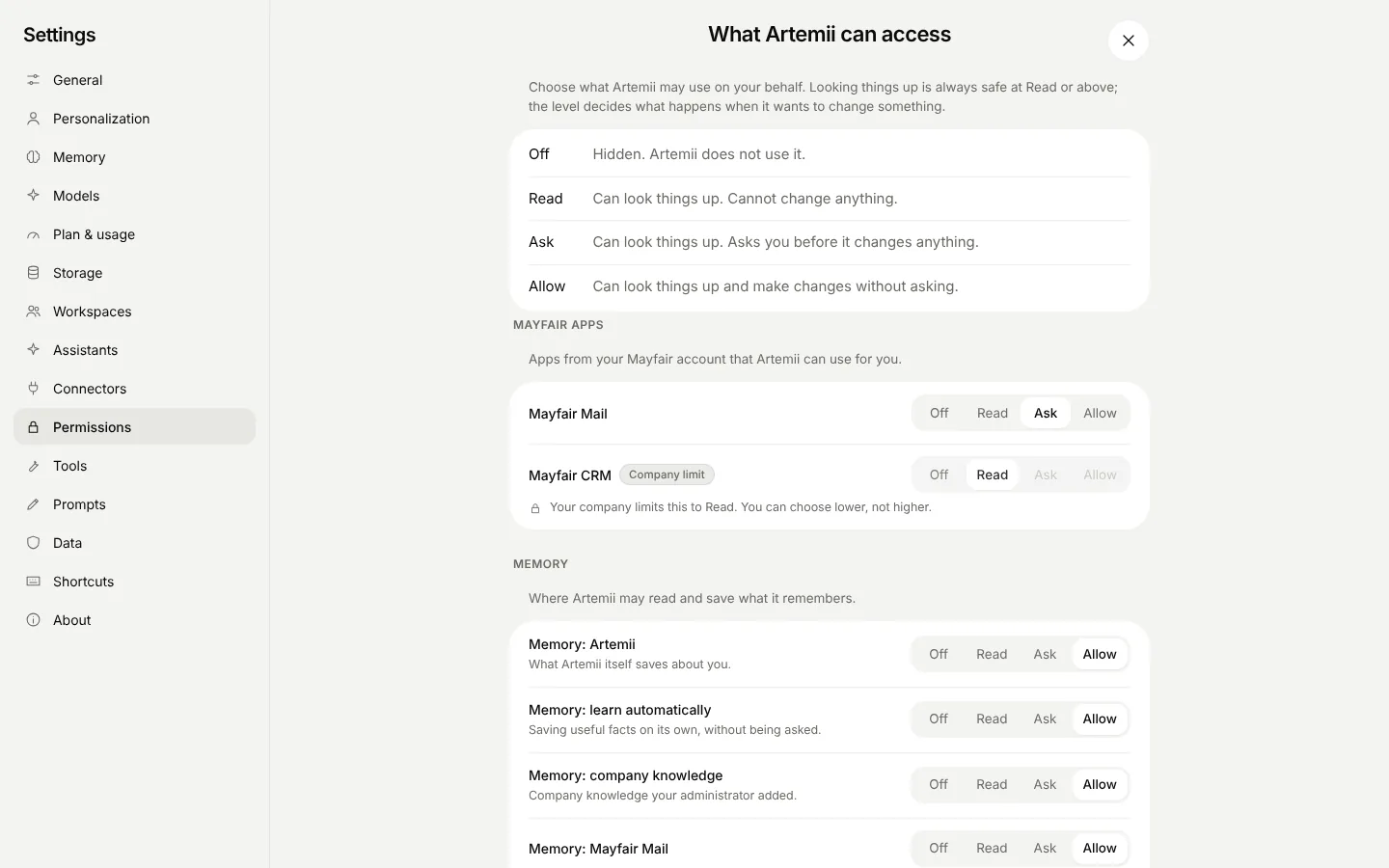
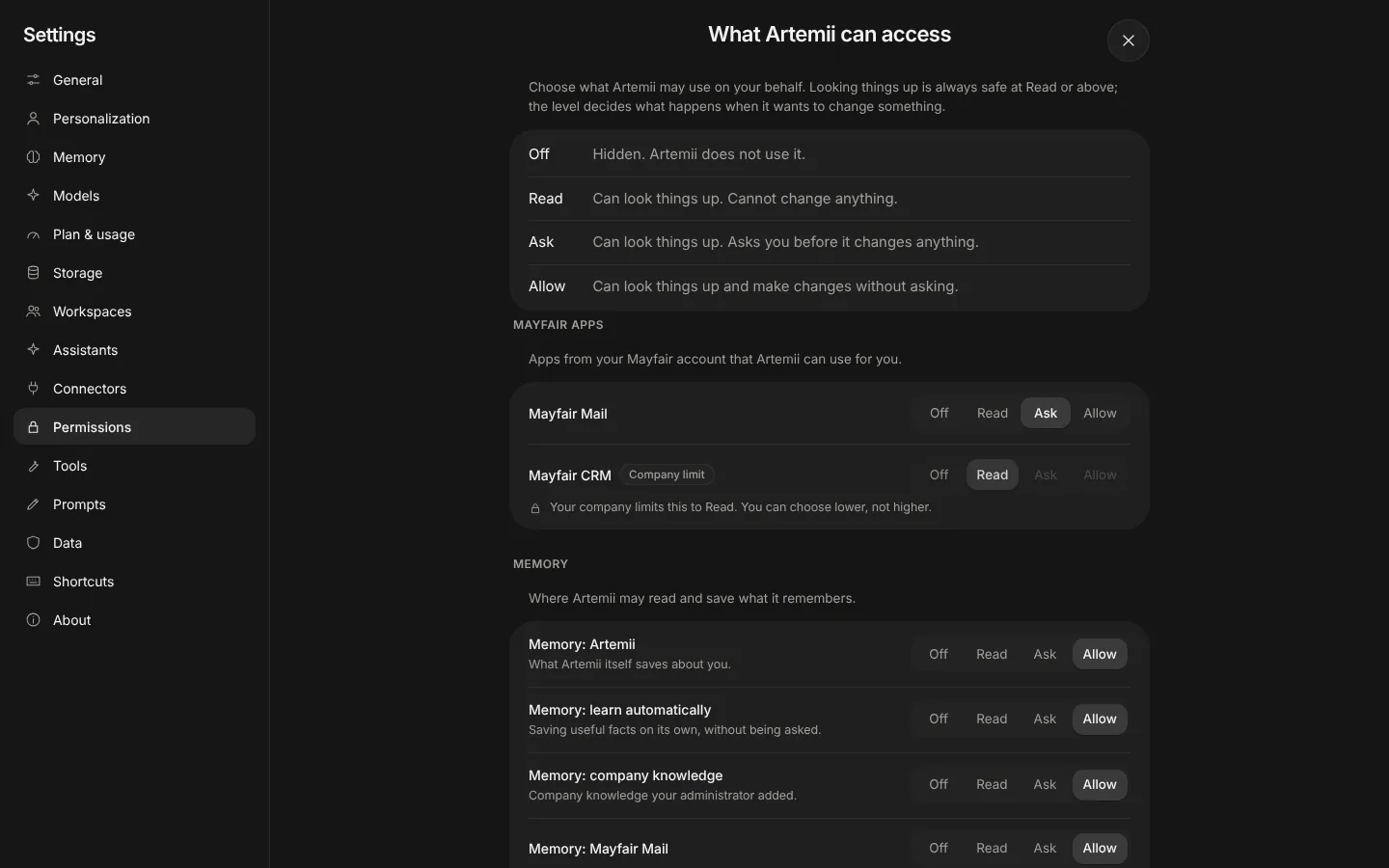
Every connected service, Mayfair app and tool has a level: off, read, ask or allow. Set a level for a whole service or for one tool, and see everything the AI did on your behalf in an activity log.
- Administrators can set a ceiling for an organisation
- One action disconnects every service, cancels pending approvals and switches every permission off
- Activity entries are redacted of secrets and kept for a limited time
Share it. Take it back.
Share a chat or one artifact as a read-only link that anyone with it can open without signing in. Revoke the link and it stops working.
- A share link is a long random address: only send it to people you trust
- Incognito chats cannot be shared
Run JavaScript, safely.
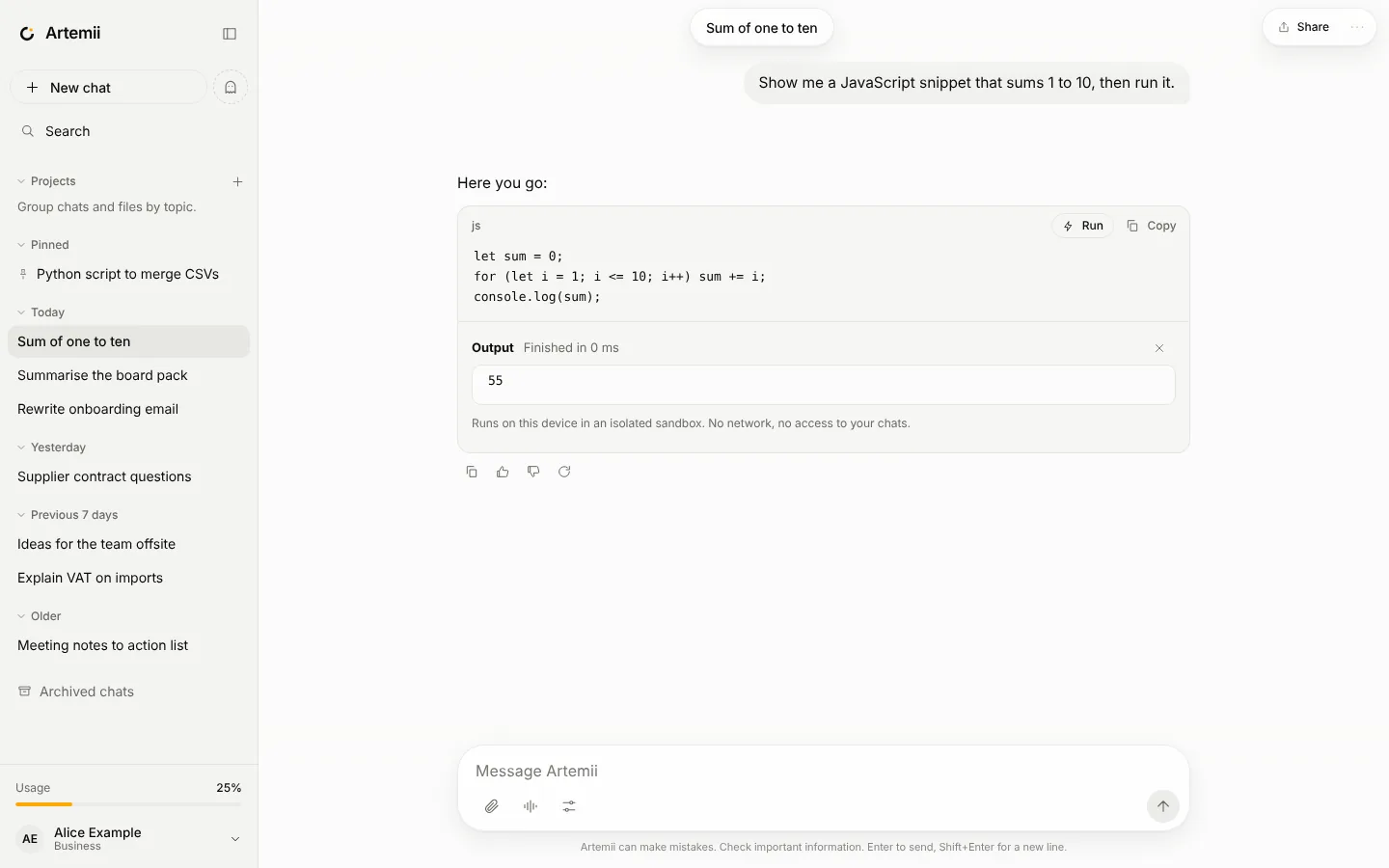
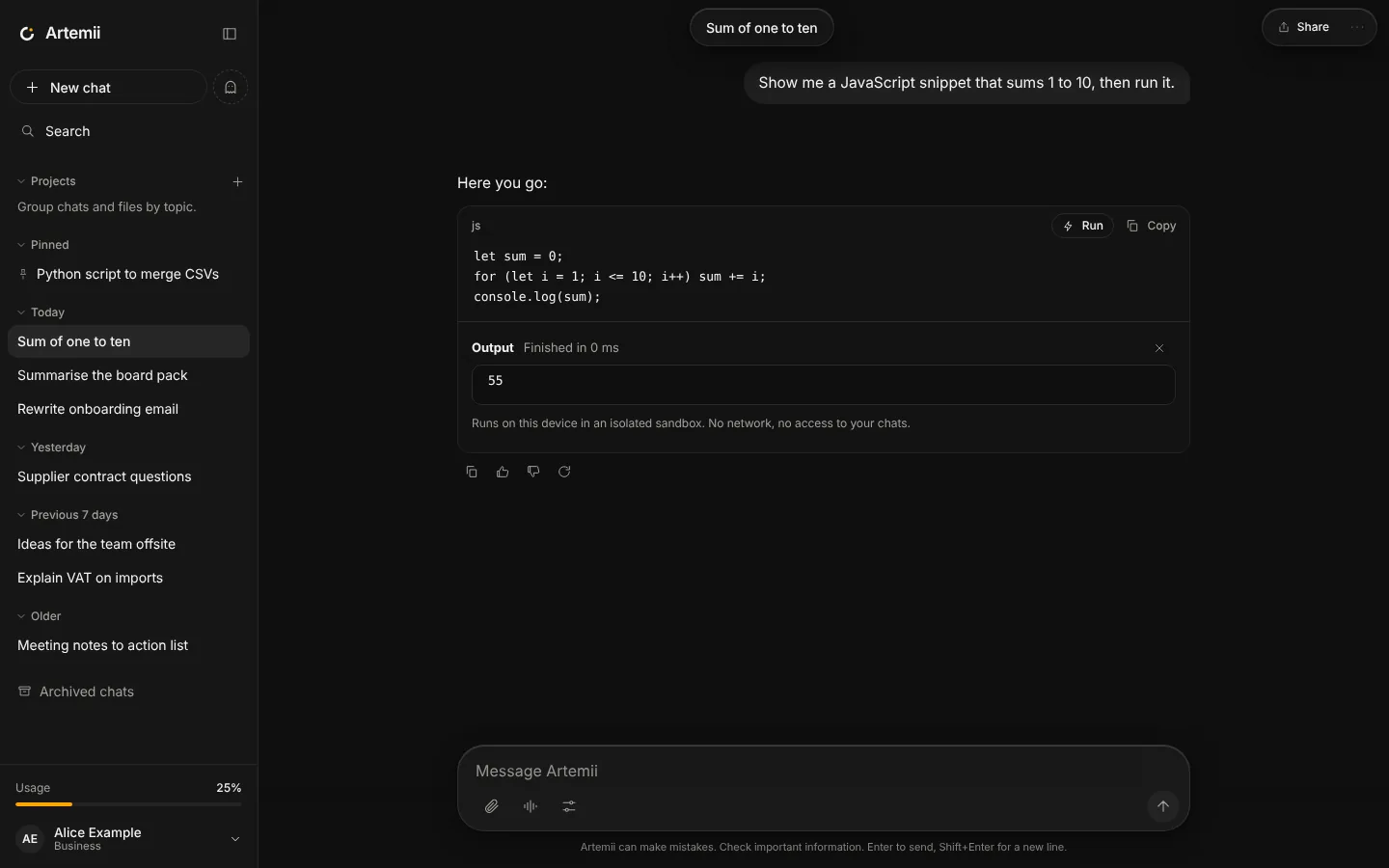
JavaScript code blocks in an answer have a Run button. The code runs on your own device in an isolated worker with no network access and stops after ten seconds.
- The console output appears under the code block
- Python is not available yet
The details that make it comfortable.
Themes and comfort
Light, dark or follow your device. Choose a readable serif or a monospace font, and three text sizes.
Mobile-first
Designed for the phone first. The sidebar and the artifact panel become full-screen sheets on small screens.
Usage meter
Daily and weekly allowances shown as percentages, right in the sidebar.
Keyboard shortcuts
Search with Ctrl or Cmd+K, start a new chat with Ctrl+Shift+O, close panels with Esc.
Your data, your call
Download everything you own as a file, or delete all your chats, projects, files and memory from Settings.
Admin console
For businesses: see who is using Artemii and how much of their allowance, set limits for connected services, and manage the AI machines from a separate console.
Not built yet.
We would rather tell you what is missing than promise it. These are coming.
Image understanding Coming soon
Attach a picture and ask about it.
Chrome extension in the Web Store Coming soon
The extension is built and tested. It is coming to the Chrome Web Store. Read how it works.
Start with Artemii
Sign in with your Mayfair ID and ask your first question.