Connect your own services.
Let Artemii read from and act in the services you use, with your own account, and only as far as you allow.
Available on request Not yet verified Connectors are rolled out service by service. None has yet been verified against its live service.
Built and tested, not yet proven live.
An honest status
Connectors are built and tested against test servers. We have not yet run the real sign-in flows with GitHub, Cloudflare, Slack, Notion, Linear or Google. Each service is switched on for people only after Mayfair has tried it live, and some need Mayfair to set up an app registration with the service first. Until then, each entry below is labelled Not yet verified and is available on request.
What you can connect.
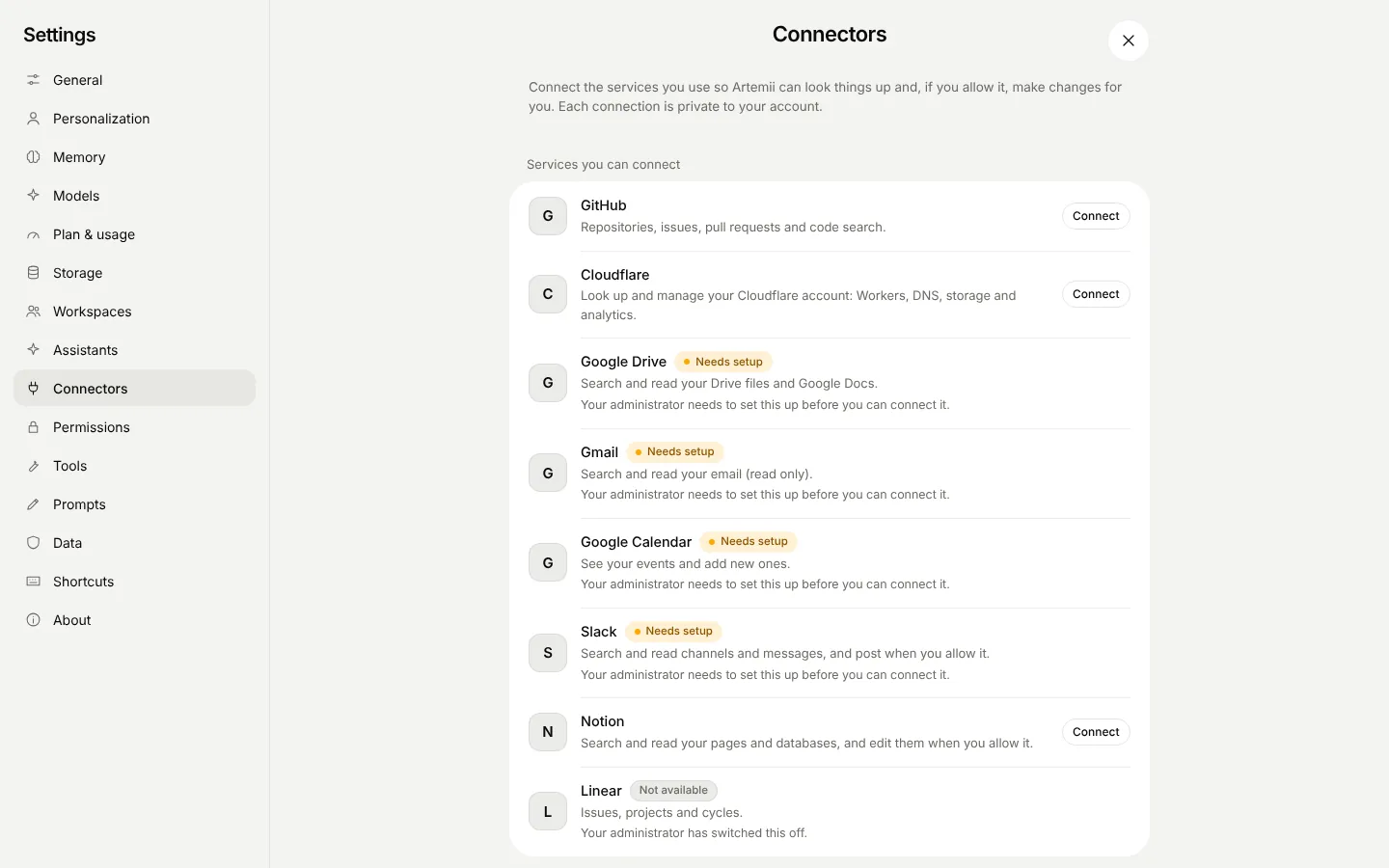
GitHub
Read repositories and issues, open issues and pull requests.
Sign in with GitHub (OAuth) or paste a token
Cloudflare
Work with your Cloudflare account through its tool server.
Sign in (OAuth)
Google Drive
Find and read your files.
Sign in with Google
Gmail
Search and read mail, and draft or send with your approval.
Sign in with Google
Google Calendar
See your schedule and create events with your approval.
Sign in with Google
Slack
Read channels and post messages with your approval.
Sign in with Slack
Notion
Search and read your pages.
Sign in (OAuth)
Linear
Look up and create issues.
Sign in (OAuth)
Your own MCP server
Connect any remote MCP server that is reachable over https.
Sign in (OAuth) or paste a token, depending on the server
Your account, your connection.
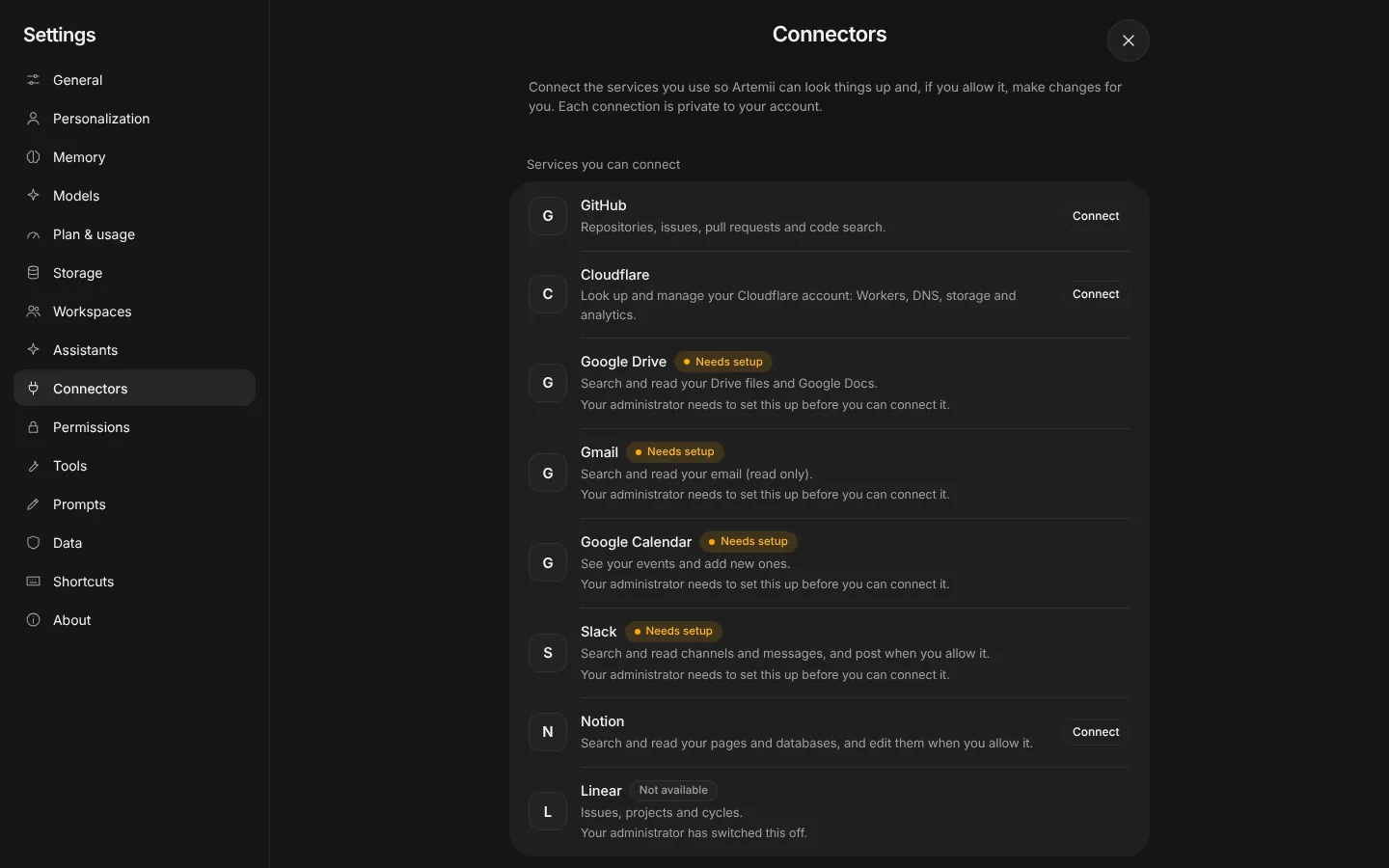
Each connection belongs to one person. Connect from Settings, or when Artemii needs a service you have not connected it asks you to. Nobody else, including other people in your organisation, uses your connection.
- Sign in with the service, or paste an API token where that is how it works
- Up to 20 connections per person
- Disconnect at any time. Artemii asks the service to revoke its access too
- Administrators can forbid a service for their organisation
Changes ask first.
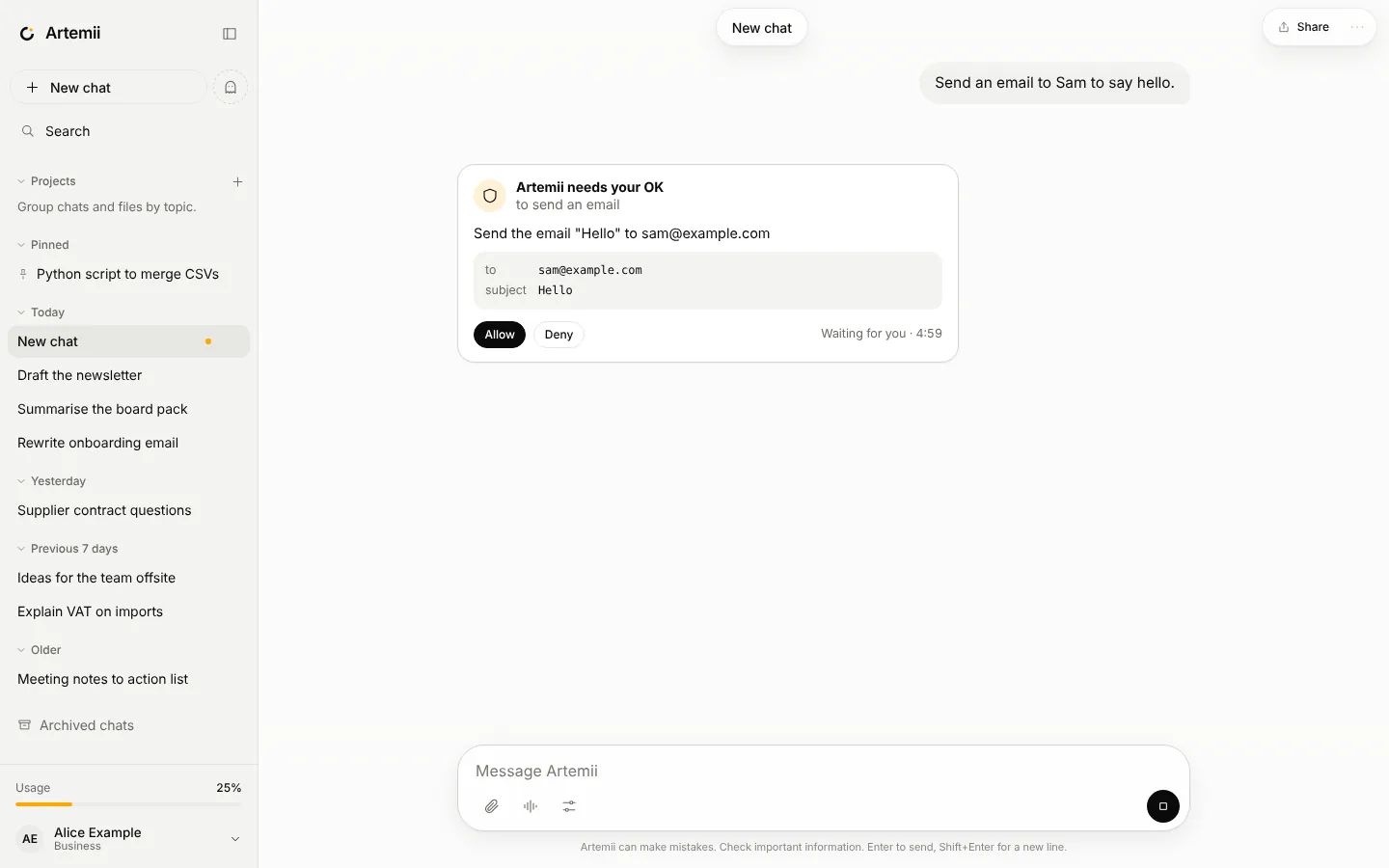
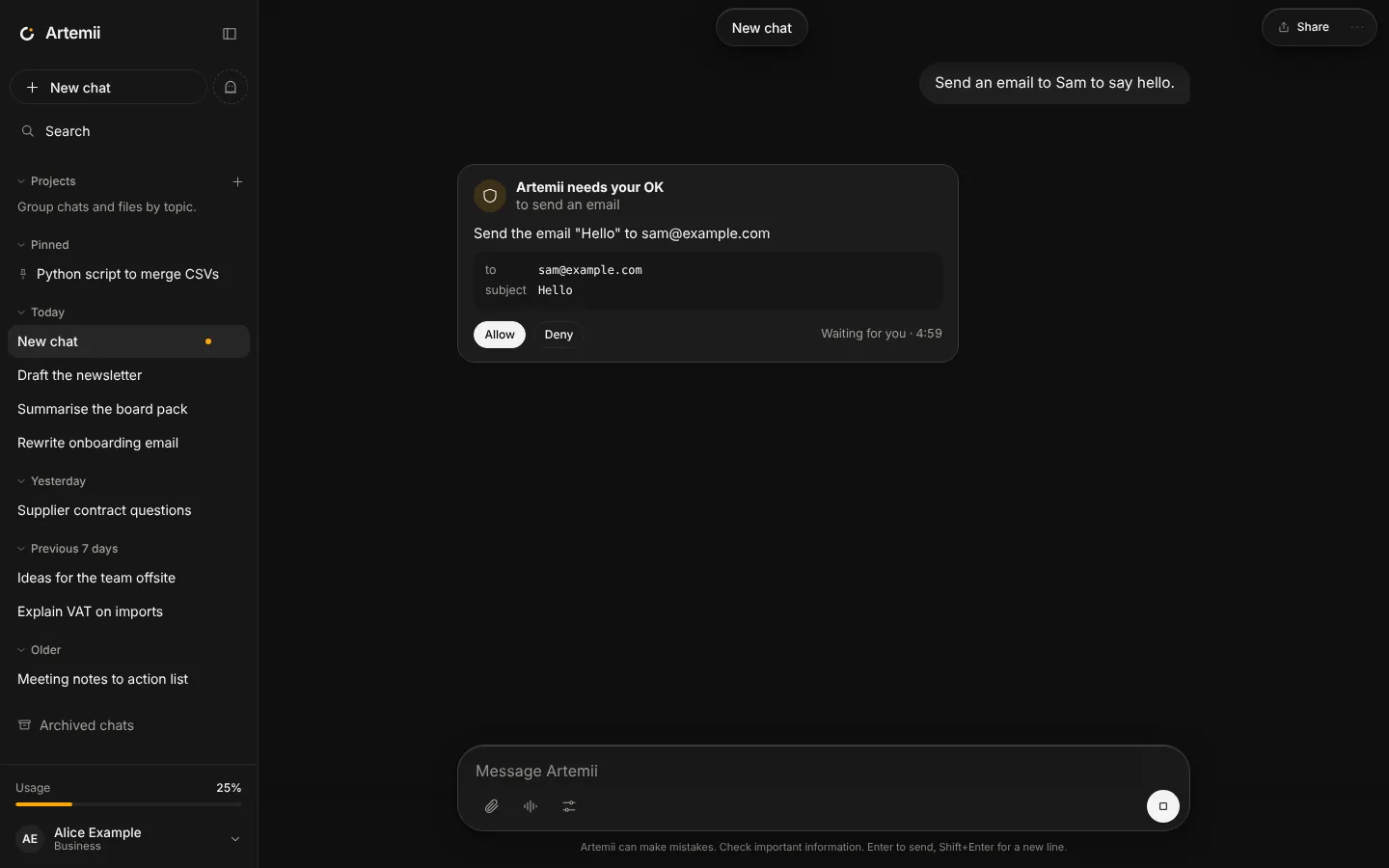
Tools a service marks as read-only run straight away. Anything else is treated as a change and asks you first, with a plain description of what it will do.
- Set off, read, ask or allow for a whole service, or for one tool
- After the AI has read outside content, every change asks, whatever you set
- In an incognito chat connected services are not used unless you opt in
- Everything the AI does through a connection is in your activity log
Sealed and fenced.
Encrypted tokens
Access tokens are encrypted at rest and bound to your account, so a stolen database row cannot be used under another account. They are never shown again and never logged.
Safe addresses
Custom servers must use https and a public address. Private networks and the local machine are refused, and redirects are re-checked.
Results are untrusted
Whatever a service sends back is treated as data to read, never as instructions to follow.
Limits
Tool lists and results are capped in size so one connection cannot flood a conversation.
Bring your own server.
Any remote MCP server that speaks the streamable HTTP transport can be connected by its https address. It has been tested against test servers only. If you run one and want to try it, let us know.
Connect the tools you use.
Open Artemii and see what is available for your account.