Answers that show their sources.
Search the web, read pages, look up UK companies and search your own files. Every answer carries numbered citations you can open.
Available on request Web search and deep research need a search provider to be switched on for your account.
Search, read, cite.
With web search on, the AI can search the web, open a page and read it as text, and look up a UK company. It tells you when it has used a tool, and the answer carries numbered citations that open a list of the pages behind it.
- Citations like [1] and [2] link to a sources list under the answer
- The list shows only sources the answer used or pages that were read in full
- Orion searches by default; Arlo, Lucian and Curzon search when you switch on "Search the web"
- Switch web tools off in Settings and it works only from what you give it
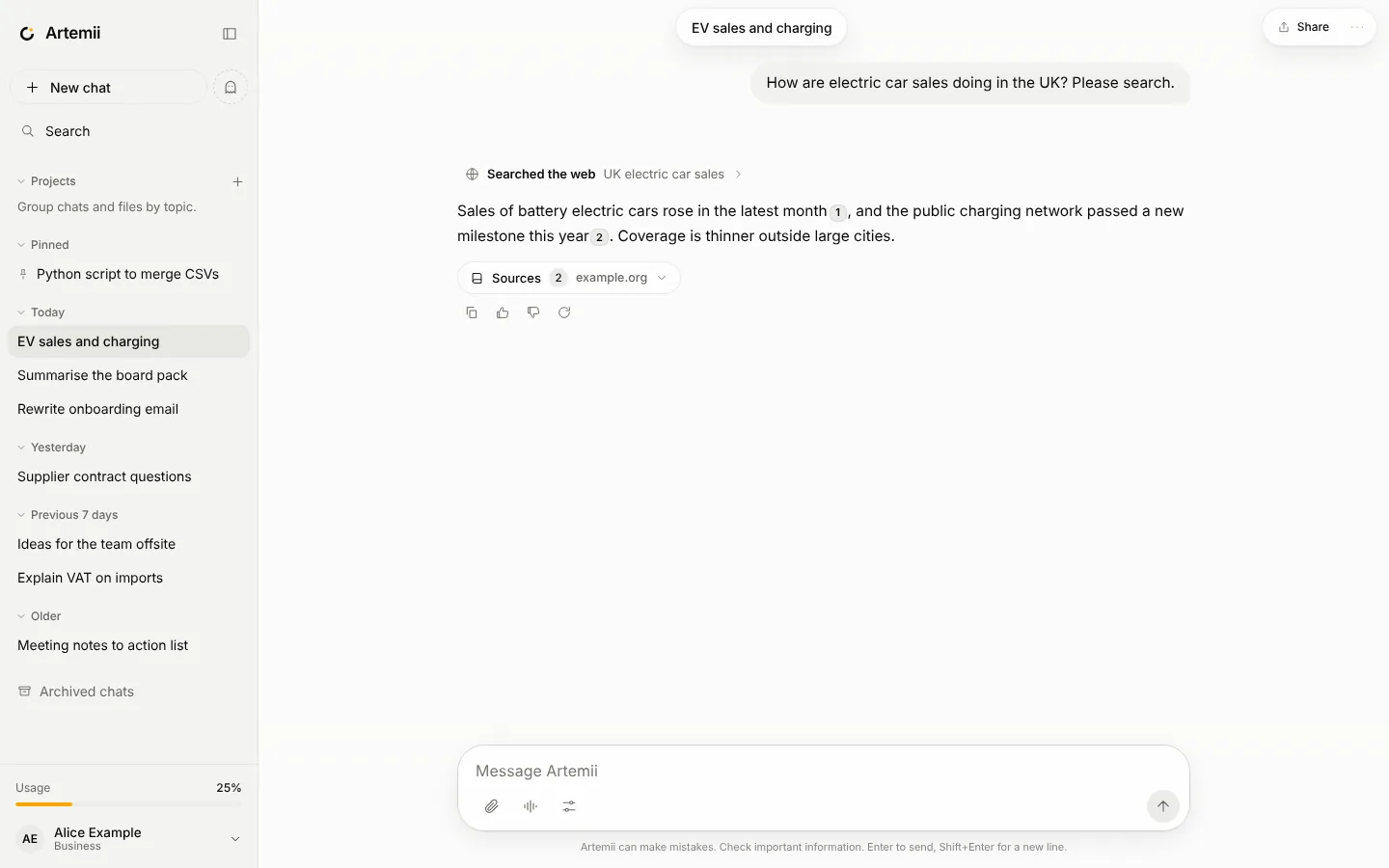
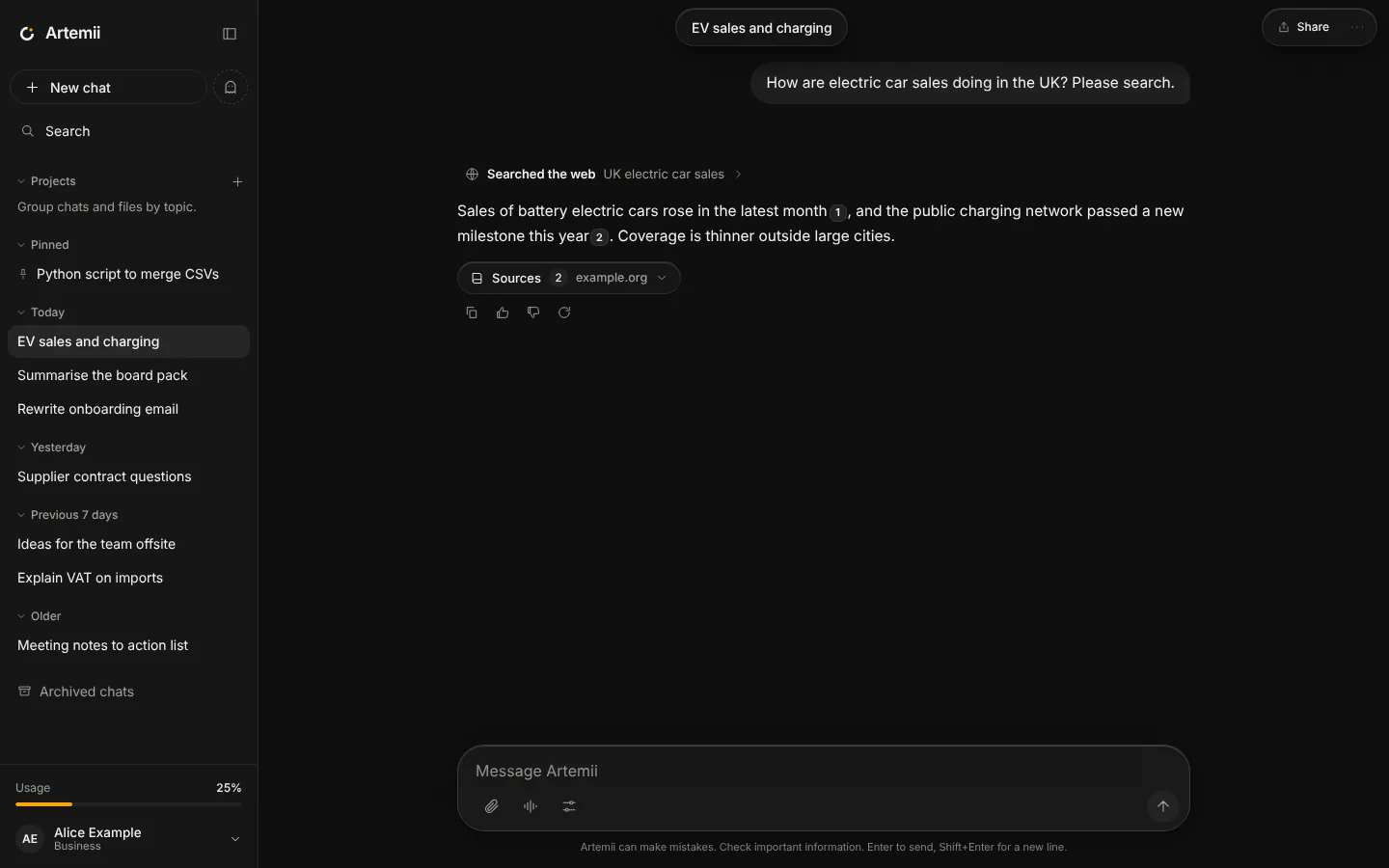
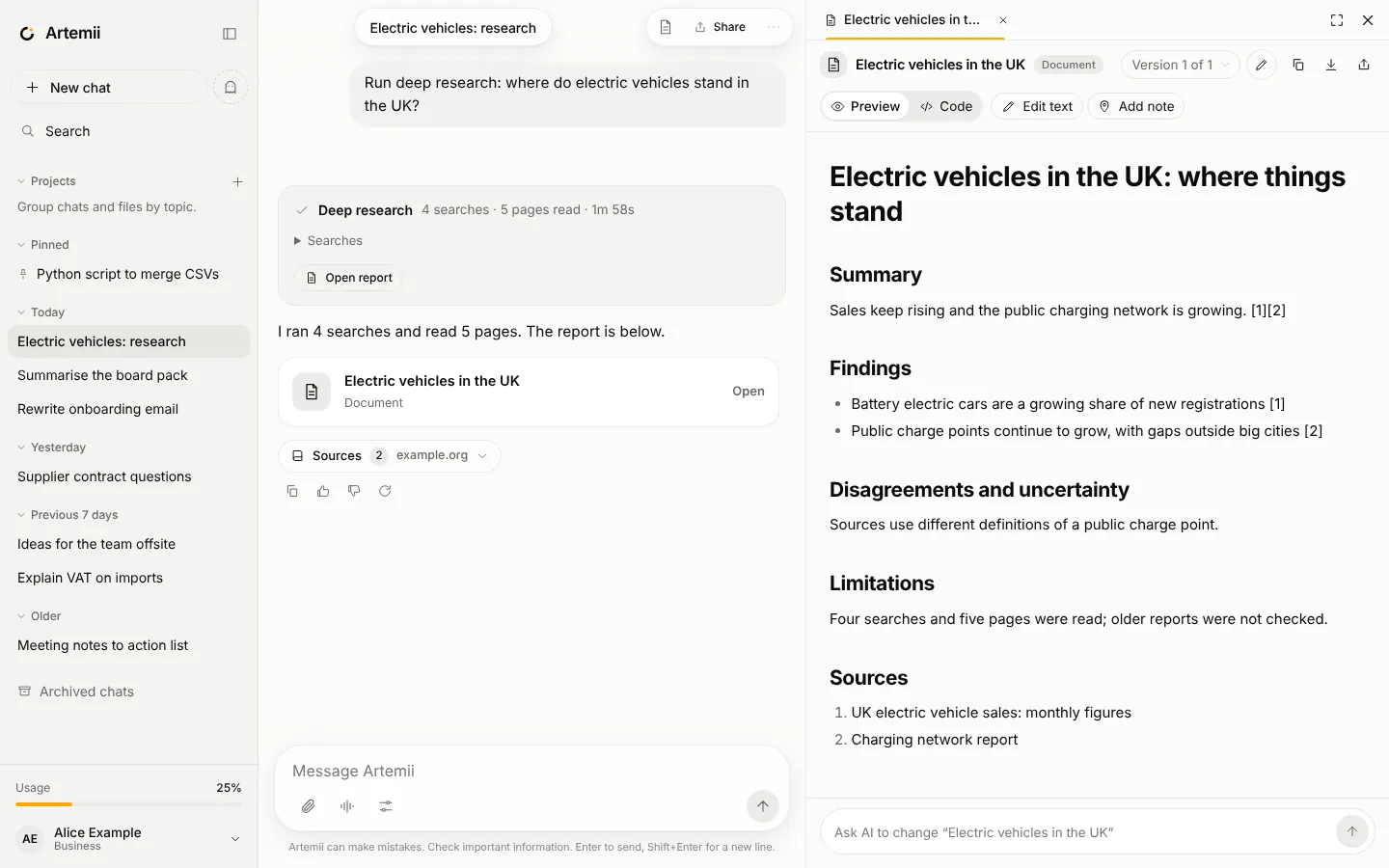
A cited report, with its working shown.
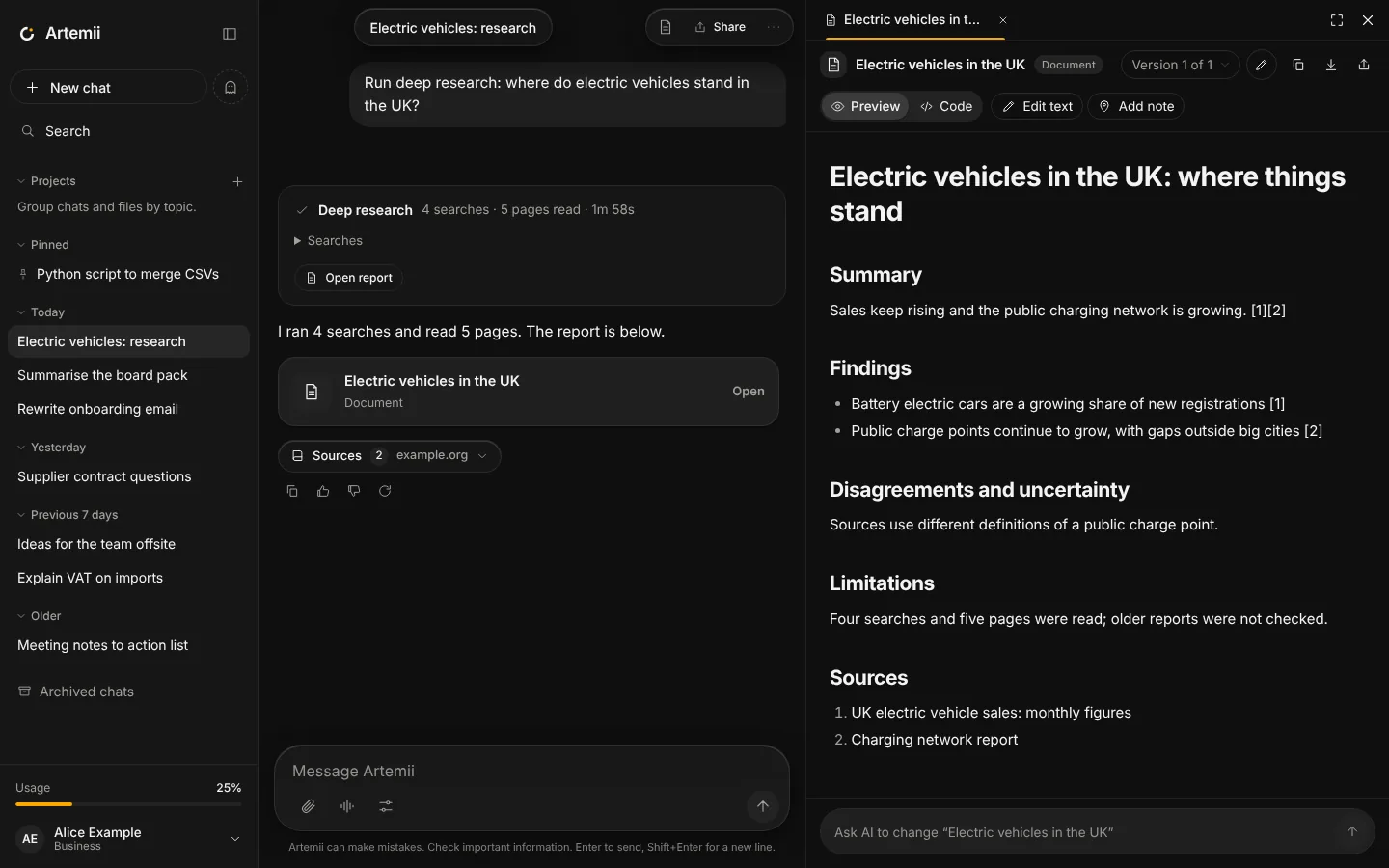
Ask for deep research and the AI works in rounds. It plans its questions, searches, reads the best pages, extracts notes with their sources, checks what is missing and goes again, then writes a report as a document.
- Watch the progress: planning, searching, reading, reviewing, writing
- The report has Summary, Findings, Disagreements and uncertainty, Limitations and Sources
- It runs within a time and call budget (a few minutes at most). If a limit stops it early, the report is still written and says so
- It counts more than a normal answer against your allowance, and your plan sets how many runs you get each day
- Orion offers deep research when a question looks like research
Search what you have already written.
Chat, project and loose files
The AI searches the text files in this chat, in its project and the ones you added without a project, and cites the passages it used.
Meaning, then keywords
Where the meaning-based index is available it finds passages by meaning. Otherwise it falls back to keyword search, so search always works.
Incognito stays separate
Files from incognito chats are never searched outside that chat.
Pages are data, not instructions.
Untrusted by default
Everything read from the web, a file or a tool is wrapped as untrusted data, and the AI is told never to follow instructions inside it.
Actions ask first
After the AI has read outside content, every action that changes something asks you first, whatever your settings say.
Public addresses only
Page fetching is limited to public web addresses. Private networks and the local machine are off limits.
No made-up sources
If web search is not available, the AI says so plainly instead of pretending to have searched, and never invents sources.
What it cannot do yet.
- Pages that need JavaScript to show their content cannot be read
- PDFs: text of simple text-based PDFs can be read; scanned PDFs cannot, and there is no OCR
- Word and Excel files cannot be read
- A deep research run lives as long as its connection: if it is interrupted it does not resume
- The AI can still be wrong. Check anything important against the sources
Try a question with sources.
Open Artemii and ask it to look something up.